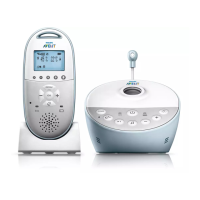
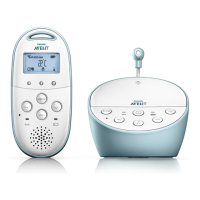
12
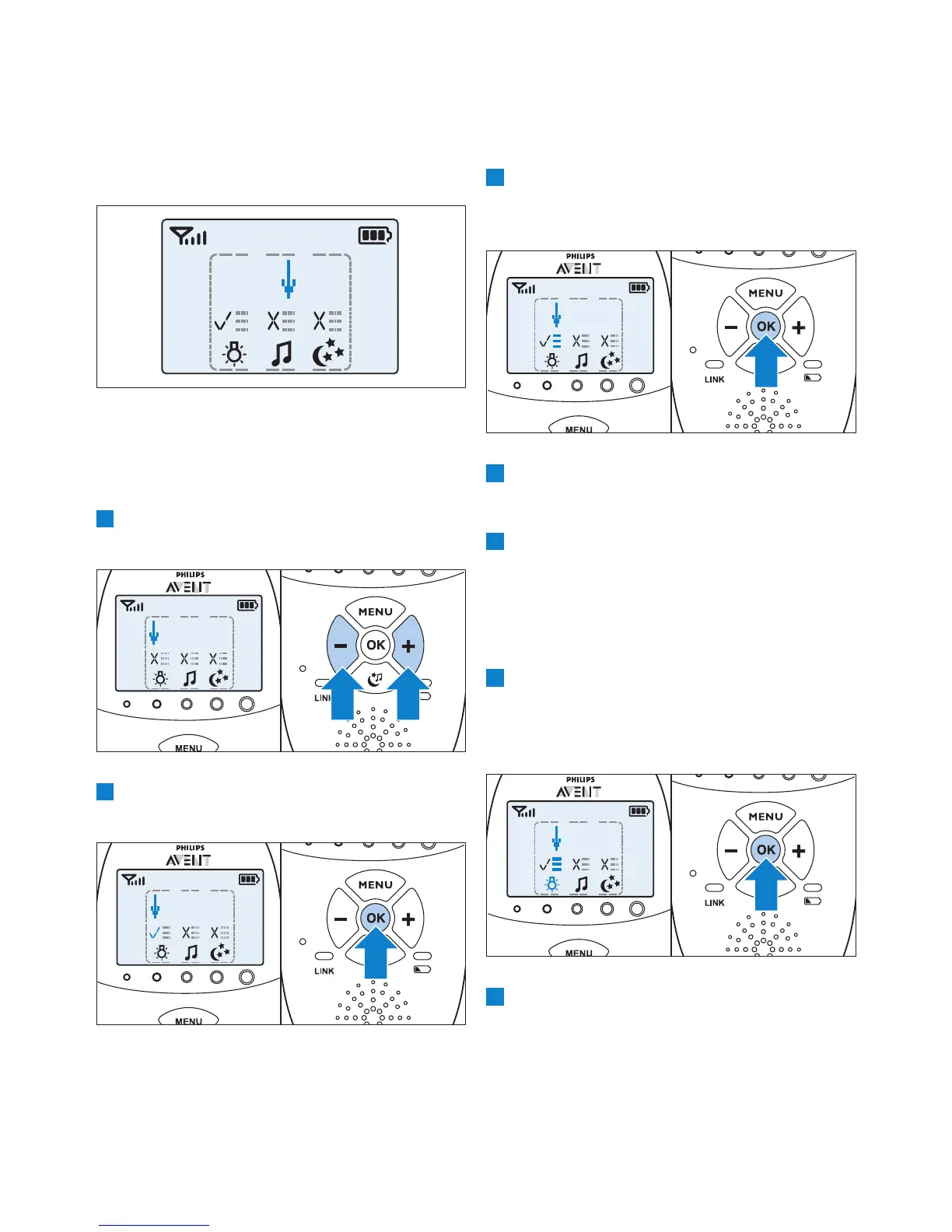
• If a feature is on, there is a tick above the
feature symbol.
• If a feature is off, there is a cross above the
feature symbol.
4 To open the menu with options for the
feature, move the arrow over the options
menu eld and press OK.
5 Use the - and + buttons to navigate through
the list of options and press OK to select an
option.
6 To leave the soothing menu, press the
soothing button.
6.1.1 Nightlight
This soothing feature allows you to switch the
nightlight on or off and to set the nightlight timer.
1 To select the nightlight feature, use the + and
- buttons to move the arrow to above the
nightlight symbol and press OK to switch the
nightlight on or off.
2 To open the menu with nightlight options,
point the arrow at the options menu eld and
press OK to conrm.
• The soothing menu screen appears. This
screen shows three features on the baby
unit: nightlight, lullaby and projector. For each
feature there are two segments: the on/off
selection eld and the options menu eld.
D
Note:
If you do not press any button within
7 seconds, the soothing menu closes and
the display returns to normal.
2 Use the + and - buttons to point the arrow
to a soothing feature.
3 To switch on a soothing feature when it is off
or to switch it off when it is on, press OK.


 To Next Page
 Loading...