17
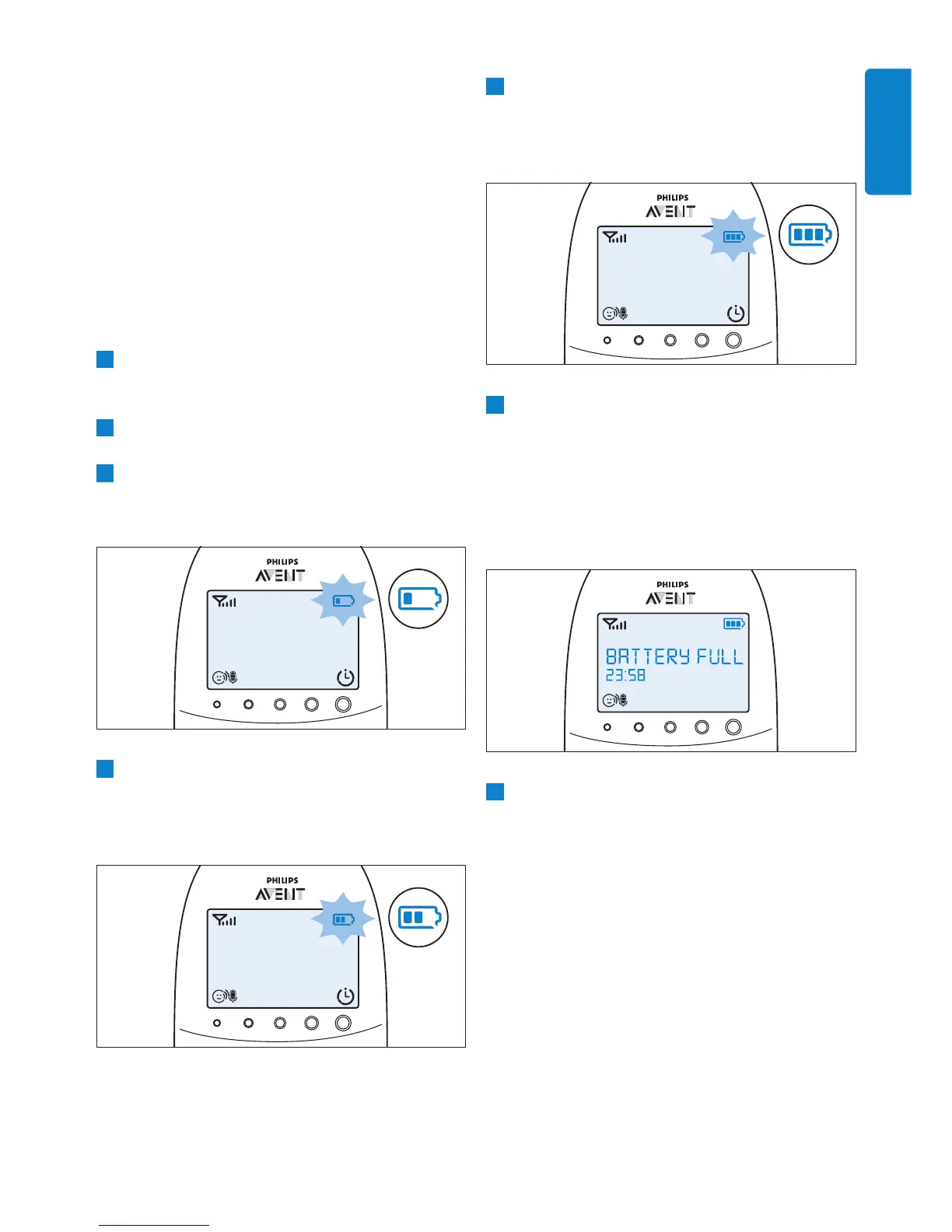
5 The third segment in the battery status
indicator starts ashing when the rechargeable
batteries are charged to more than 50% of
their capacity.
6 When the rechargeable batteries are full, the
following happens:
• The third segment in the battery status
indicator stops ashing.
• The display goes on for 4 seconds and the
message ‘BATTERY FULL’ appears on the
display.
7 Disconnect the parent unit from the mains. It
is now ready for cordless use.
D
Note:
You can charge the parent unit when it is
switched off. In that case, the display is off. The
battery status light is on, but does not indicate
the charging status. This light remains on and solid
green as long as the parent unit is connected to
the mains.
D
Note:
If the rechargeable batteries run low very quickly,
they have reached the end of their life and you
have to replace them. To order new rechargeable
batteries, see chapter ‘Ordering accessories’.
D Note:
If you switch on the parent unit when its
rechargeable batteries are almost empty, the
display goes on. The message ‘BATTERY LOW’
appears on the display for 2 seconds before the
parent unit switches off.
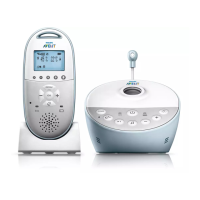
6.6.3 Charging
Insert the small plug into the charger and put
the adapter in a wall socket. Place the parent unit
in the charger. When the parent unit charges, the
following happens in succession:
1 The display goes on for 4 seconds and the
text ‘CHARGING’ appears on the screen for
2 seconds.
2 The battery status is solid green when the
parent unit is connected to the mains.
3 The rst segment in the battery status
indicator starts ashing to indicate that the
rechargeable batteries are charging.
4 The second segment in the battery status
indicator starts ashing when the rechargeable
batteries are charged to more than 30% of
their capacity.
ENGLISH


 To Next Page
 Loading...