EN
16
Using Windows XP Service Pack 2
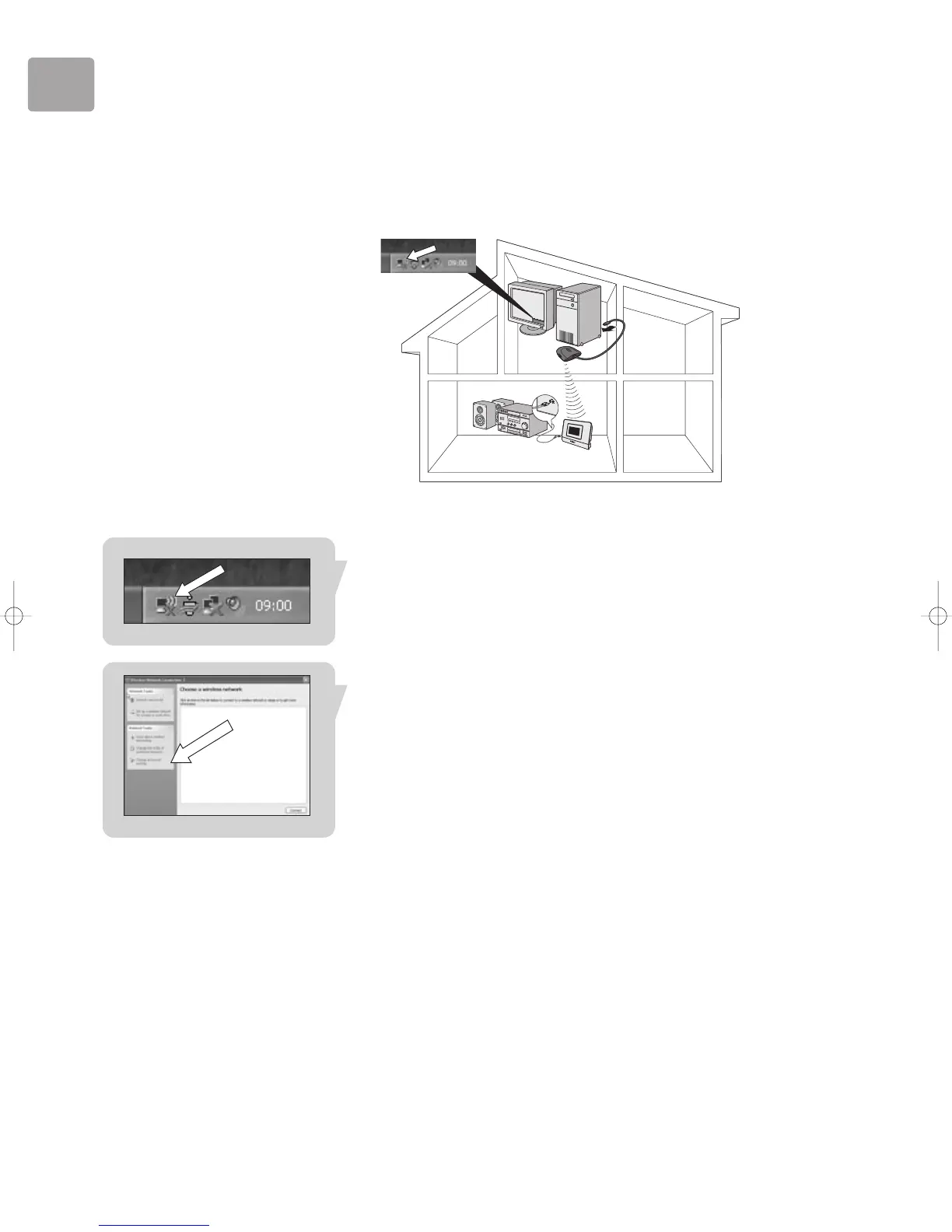
These instructions guide you through configuring your wireless network settings, for
the following scenario:
• If you do not have a wireless basestation (also known as router or access point)
and your PC has a wireless adapter installed.
Note: If the wireless network icon is not shown, follow normal installation procedure as
described in this User Manual.
1 Click on the Wireless Network icon.
This opens the Wireless Network Connection window.
2 Click on ‘Change advanced settings’.
This opens the Wireless Network Connection Properties window.


 To Next Page