EN 18
success, a sound will be heard from
the speaker.
4 After successful Wi-Fi connection,
the Wi-Fi light indicatar on the front
cabinet will stop pulsing and turn
solid. Once you set up this product
on your Wi-Fi network, you can
control it from any smartphone or
tablet on the same network.
5 After connection, you can change
the device name by Google Home
App. Otherwise, it follows the
default name.
6 If the ToU (Term of Use) is accepted,
after connection, this product
may perform a software update.
Upgrade to the latest software
when it is your rst time set up.
The software upgrade may take
several minutes. Do not unplug
your speaker, turn o your device,
or leave the network during the
update.
AirPlay 2 setup
To stream using AirPlay 2, connect the
soundbar to the same network as the
Apple product.
1 On your iOS device, go to : Settings
> Wi-Fi > SET UP NEW AIRPLAY
SPEAKER [Philips TAB8947SB-
xxxx]
2 Select the speaker, add it to wi
then go next steps as prompt.
» Keep the wi AP (e.g. dlink655)
as same as the iOS device’s.
» After successful Wi-Fi
connection, the Wi-Fi light
indicator on the front cabinet
will stop pulsing and turn solid.
Once you set up this product
on your Wi-Fi network, you
can control it from supported
devices on the same network.
3 Launch a music app on your Apple
device, then play music.
4 Click the AirPlay icon
5 In the pop up list, select Philips
TAB8947SB-xxxx speaker. Wait a
moment music will be casted to
speaker.
Note
• If the ToU (Term of Use) is accepted, after
connection, the product may perform a
software update. Upgrade is required after
initial set up. Without the upgrade, not all
product features can be available.
• When the rst time set up is not successful,
hold down the Wi-Fi button on soundbar for
8 seconds until the Wi-Fi light is changed
to slow pulse. Reset the Wi-Fi connection,
restart the app and start the set up again.
• If you want to change from one network to
another, you need to set up the connection
again. Press hold down the (Wi-Fi) button
on the soundbar for 8 seconds to reset the
Wi-Fi connection.
WPS mode
If your router has Wi-Fi Protected Setup
(WPS), you can set up the connection
without entering a password.
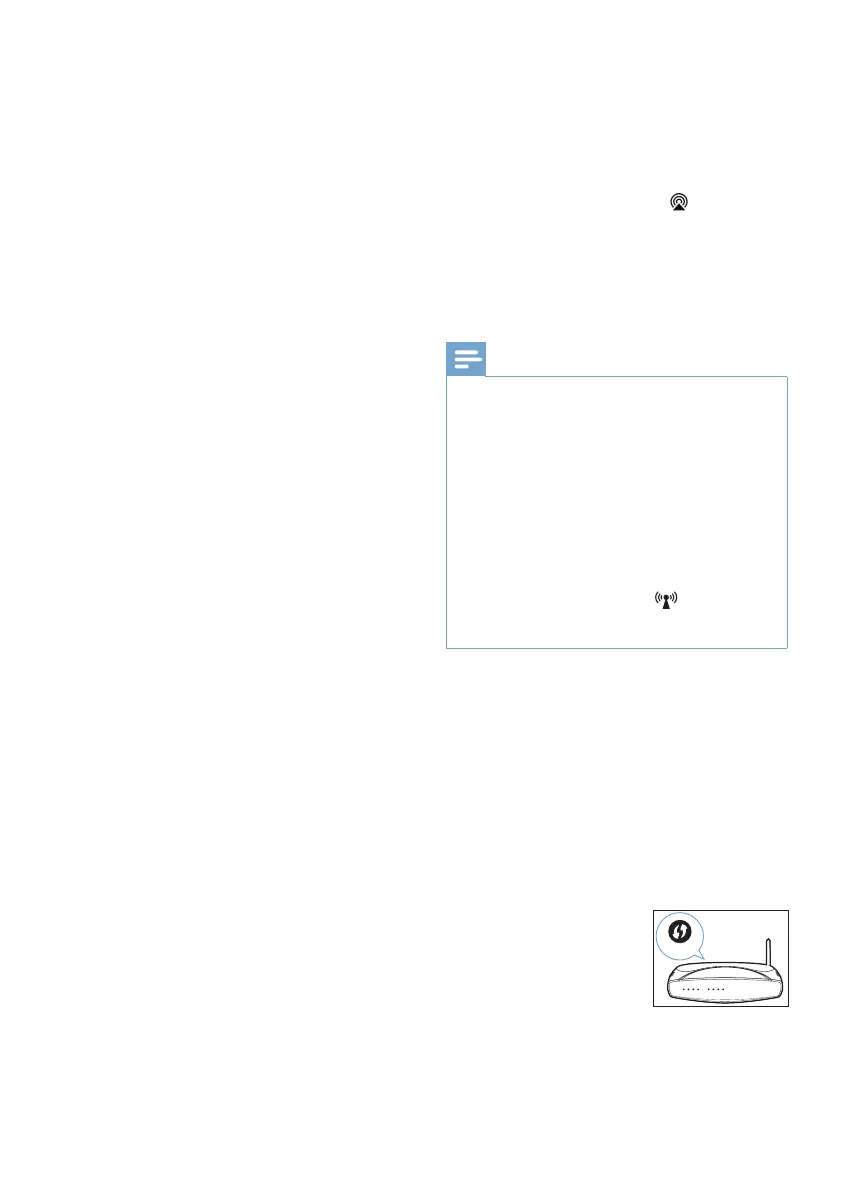
1 Press and hold the Wi-Fi button for
5 seconds. The Wi-Fi light will begin
in double blink.
WPS


 To Next Page