36 37
16. myPhonak and myPhonak Junior
apps overview
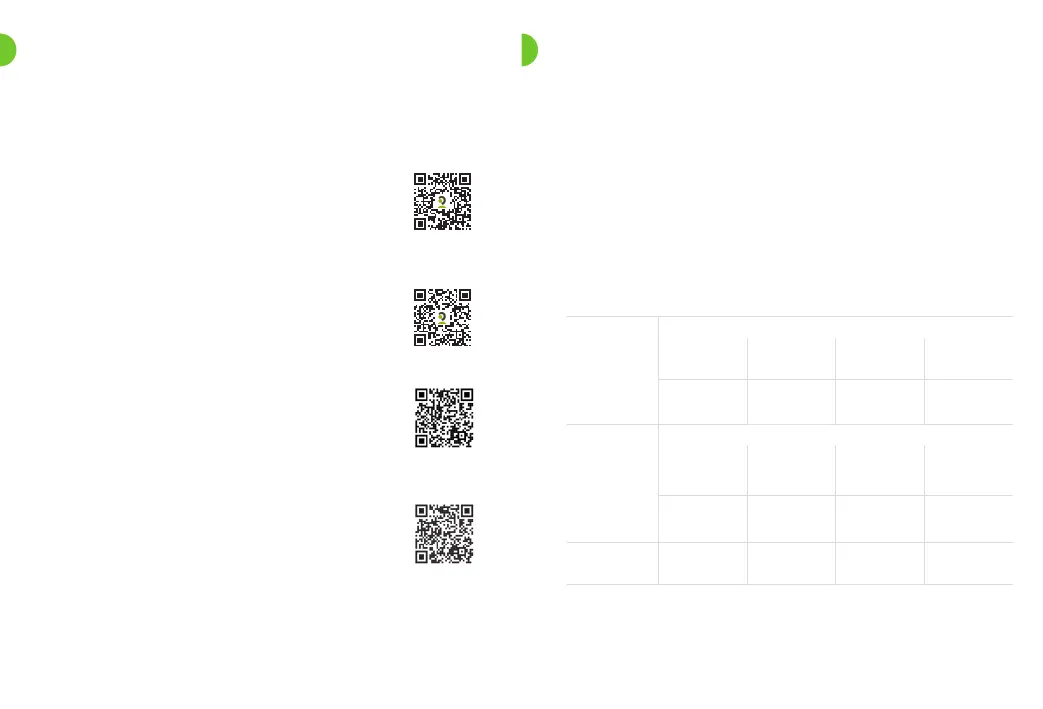
To install myPhonak, please scan the QR code
To learn more about myPhonak, please visit
the webpage
https://www.phonak.com/en-int/hearing-
devices/apps/myphonak
or scan the QR code
To install myPhonak Junior, please scan the
QR code
To learn more about myPhonak Junior, please
visit the webpage
www.phonak.com/junior-ug
or scan the QR code
17. Operating, transport and storage
conditions
The product is designed such that it functions without
problems or restrictions if used as intended, unless
otherwise noted in these user guides.
Please ensure to use, charge, transport and store the
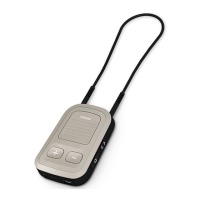
CROS device and the charger according to the following
conditions:
Use Charging Transport Storage
Temperature
Maximum
range
Recommended
range
+5 to +40 °C
(41 to 104 °F)
+5 to +40 °C
(41 to 104 °F)
-20 to +60 °C
(-4 to 140 °F)
-20 to +60 °C
(-4 to 140 °F)
+5 to +40 °C
(41 to 104 °F)
+7 to +32 °C
(45 to 90 °F)
0 to +20 °C
(32 to 68 °F)
0 to +20 °C
(32 to 68 °F)
Humidity
Maximum
range
Recommended
range
0% to 85%
(non condensing)
0% to 85%
(non condensing)
0% to 70% 0% to 70%
0% to 60%
(non condensing)
0% to 60%
(non condensing)
0% to 60% 0% to 60%
Atmospheric
pressure
500 hPa to
1060 hPa
500 hPa to
1060 hPa
500 hPa to
1060 hPa
500 hPa to
1060 hPa



 To Next Page