BM-170
13
• If the battery is not sufficiently charged, the PDA
may turn off while in use. Always check and
make sure that the battery your using has been
sufficiently charged.
∙ If the battery is running low on power, a warning
notice may appear on the monitor with a warning
sound.
∙ Charging and usage hours may differ from that
of the manual, according to the user‘s application
environment. New batteries are not charged,
therefore you must fully charge the battery before
use.
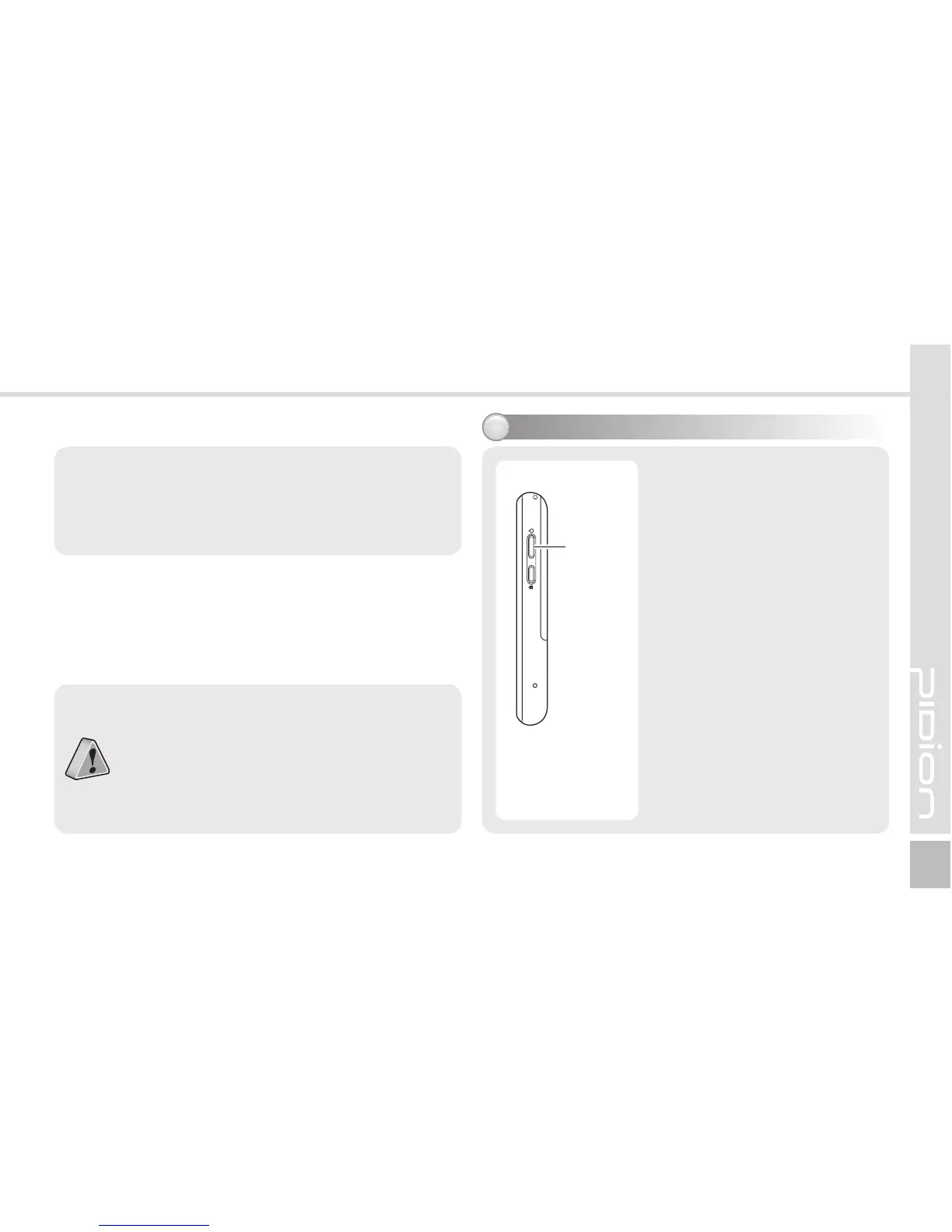
Powering on/off the phone5
• The Power button is located
on the right side of the
product.
• The [Power] button should
be pressed shortly.
• If the [Power] button is
pushed for more than 3
seconds, the LCD Back Light
will turn On/Off.
• Even when the power is
turned off, if the GSM
modem is turned on the
PDA will also power on
automatically so you can
answer the phone.



 To Next Page