16
BM-170 Manual
Holding [OK] Button for 5 seconds after [Reset]
Button.
Hard-resetting11
∙ Hard-reset is used when the terminal doesn’t
respond to soft-reset. Hard-reset initializes the
terminal to factory default.
∙ In case of hard-reset, please be aware that every
data gets eliminated except for the datas that are
saved in Program store.
∙ Bluebird Soft assumes no responsibility for loss
of data and program. Therefore, you should
back up critical data and programs before
hardresetting the terminal.
Learning Basics
Resetting terminal10
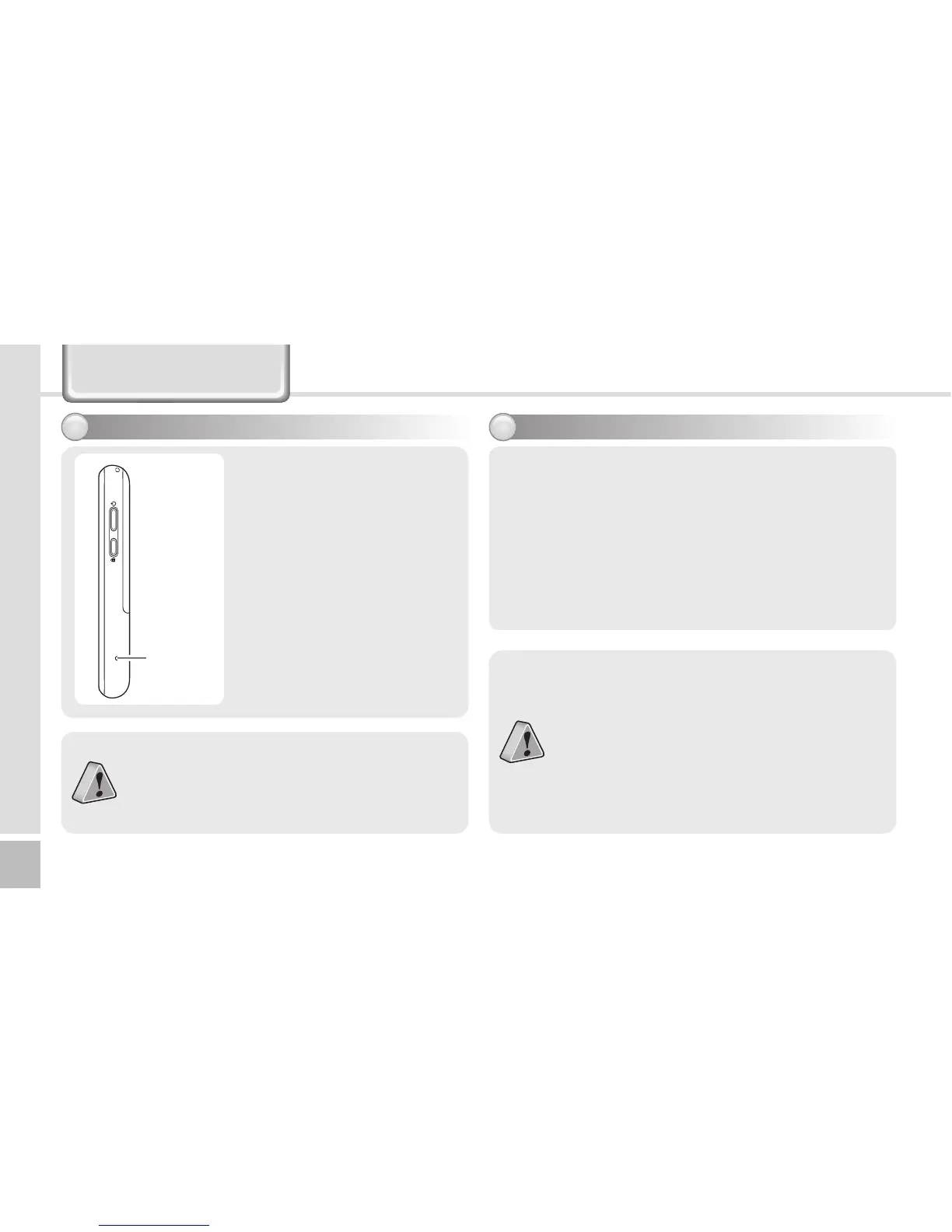
Press the [Reset] button
on the back of the terminal
slightly with the stylus pen.
Reset
Button
∙If there is a collision between programs or a
program is stopped due to an unexpected
situation, you may use the soft reset function.
∙It is like rebooting a computer. Any information
that is not saved is lost.



 To Next Page