BM-170
17
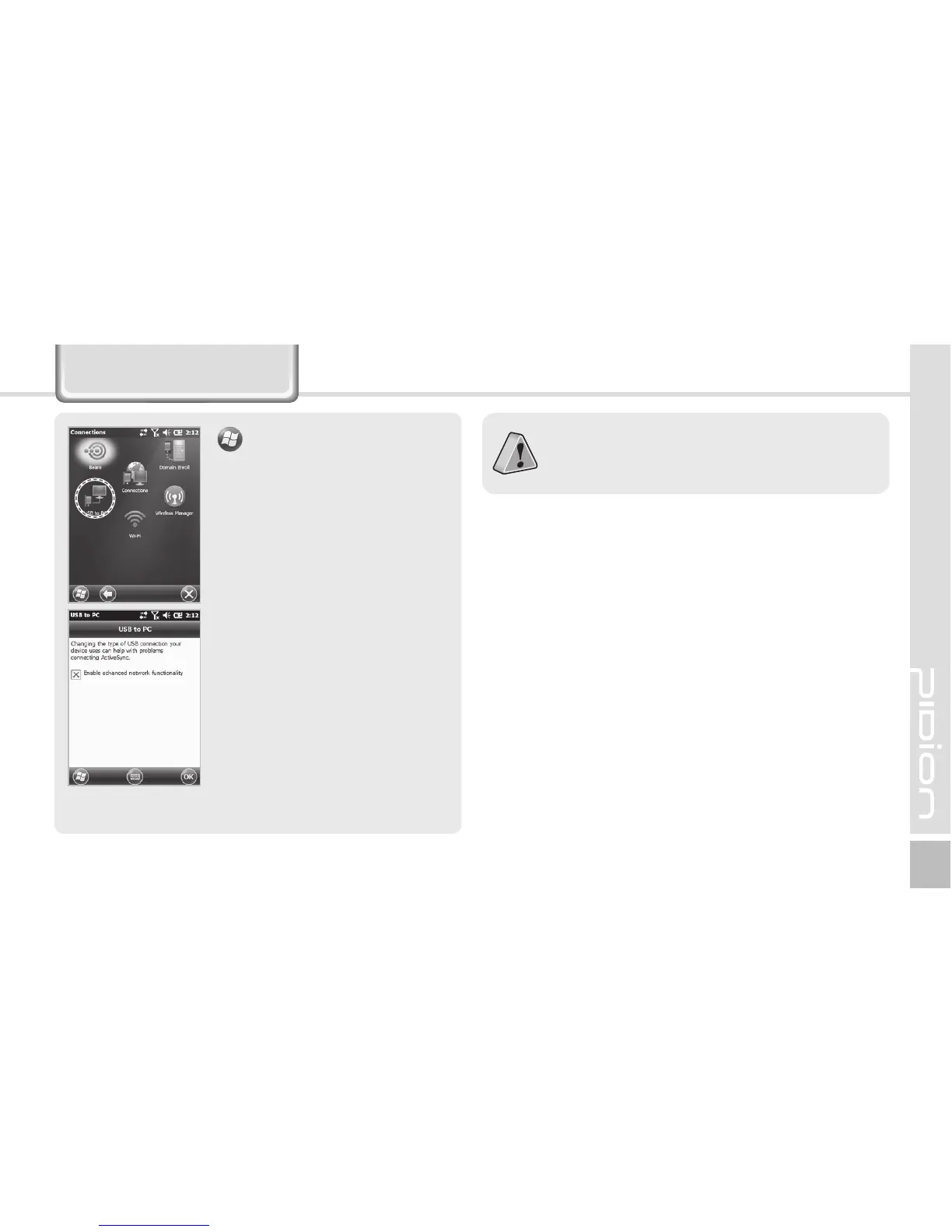
Using USB Cable
▶
Settings
▶
Connections
▶
USB to PC
You can use various USB
peripherals connected with
the terminal by selecting [Use
advanced network function].
This menu is enabled as the
peripherals are connected with
the terminal through USB
cables.
[USB to PC] increases consumption of battery
power. You can save battery by deselecting this
function when you don’t use any peripherals.



 To Next Page