BM-170
15
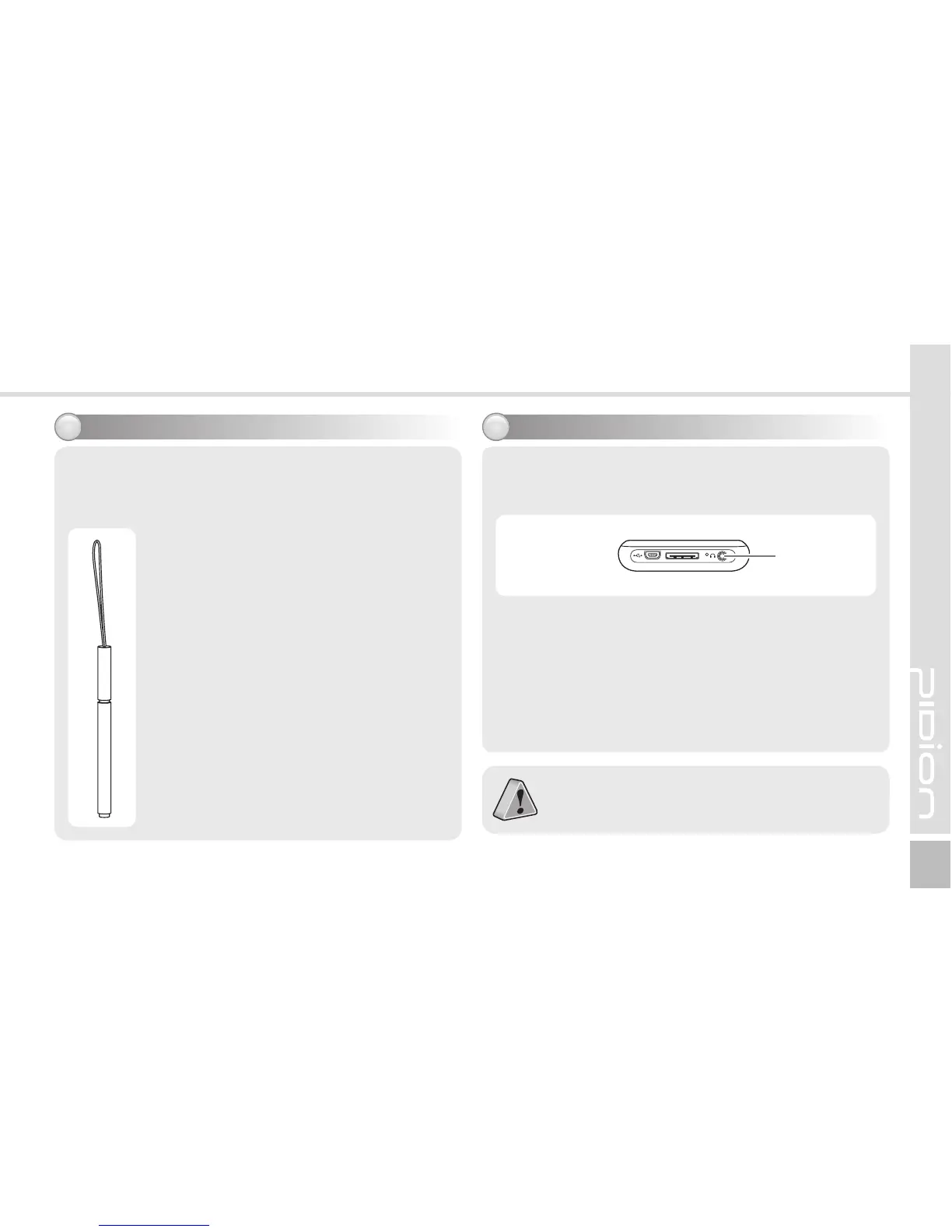
Using stylus pen8 Using earjack9
Use a stylus pen to select/execute/move a target on
the screen. The stylus pen is attached in the top
right of the terminal.
Tap
You can touch icons on the screen with
the stylus pen to select or execute the
icon as you click the left mouse button.
Drag
Used to select multiple items. You can
select characters or images as you drag
the mouse pointer.
Tap and Hold
Used to view the functions of the
selected item. If you tap and hold with
the stylus pen, a menu pops up as you
select an item and click the right mouse
button.
Connect the earphone to the earjack where is
located at bottom side.
Earjack



 To Next Page