44
BM-170 Manual
Settings
You can set owner information or memo.
▶
Settings
▶
Personal
▶
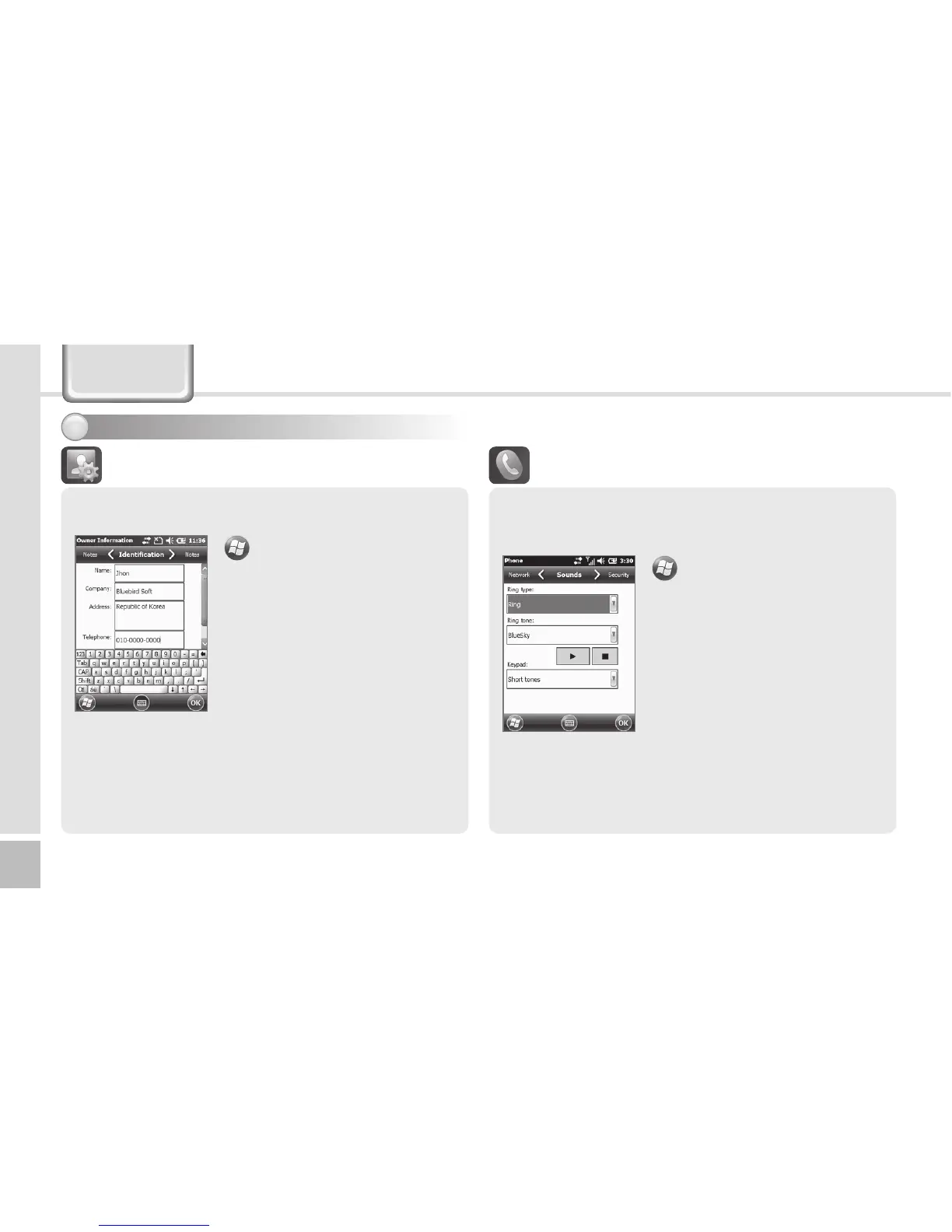
Owner Information
You can register user Name,
Company, Address, Telephone,
E-mail and Notes, and select if
they are to be displayed when
the terminal is switched on.
Owner Information
Setting personal environment1
▶
Settings
▶
Personal
▶
Phone
Ring type : You can select Ring
/ Increasing ring / Ring once
/ Vibrate / Vibrate and ring /
Vibrate then ring / None.
Ring tone : You can select a
bell.
Keypad : You can set the
keypad tone from Long tones /
Short tones / Off.
Phone
Phone
You can select/deselect sound of the terminal.



 To Next Page