BM-170
21
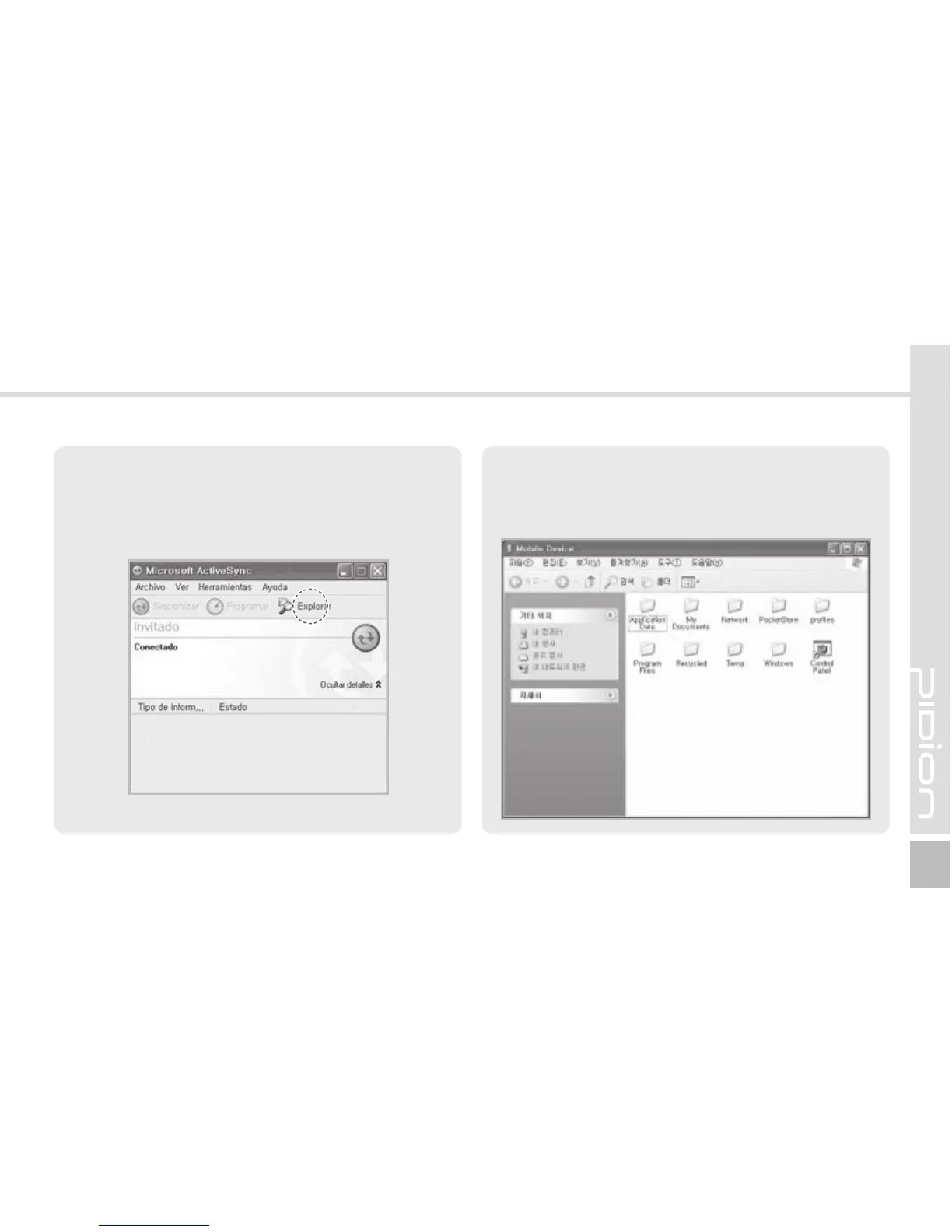
2 When the terminal is connected with the
computer successfully, the [Microsoft ActiveSync]
program is started automatically. Click the
[Search] button.
3 The <Mobile Devices> folder shows the image,
music or document folders in the terminal. You
can save the files in the computer.



 To Next Page