24
BM-170 Manual
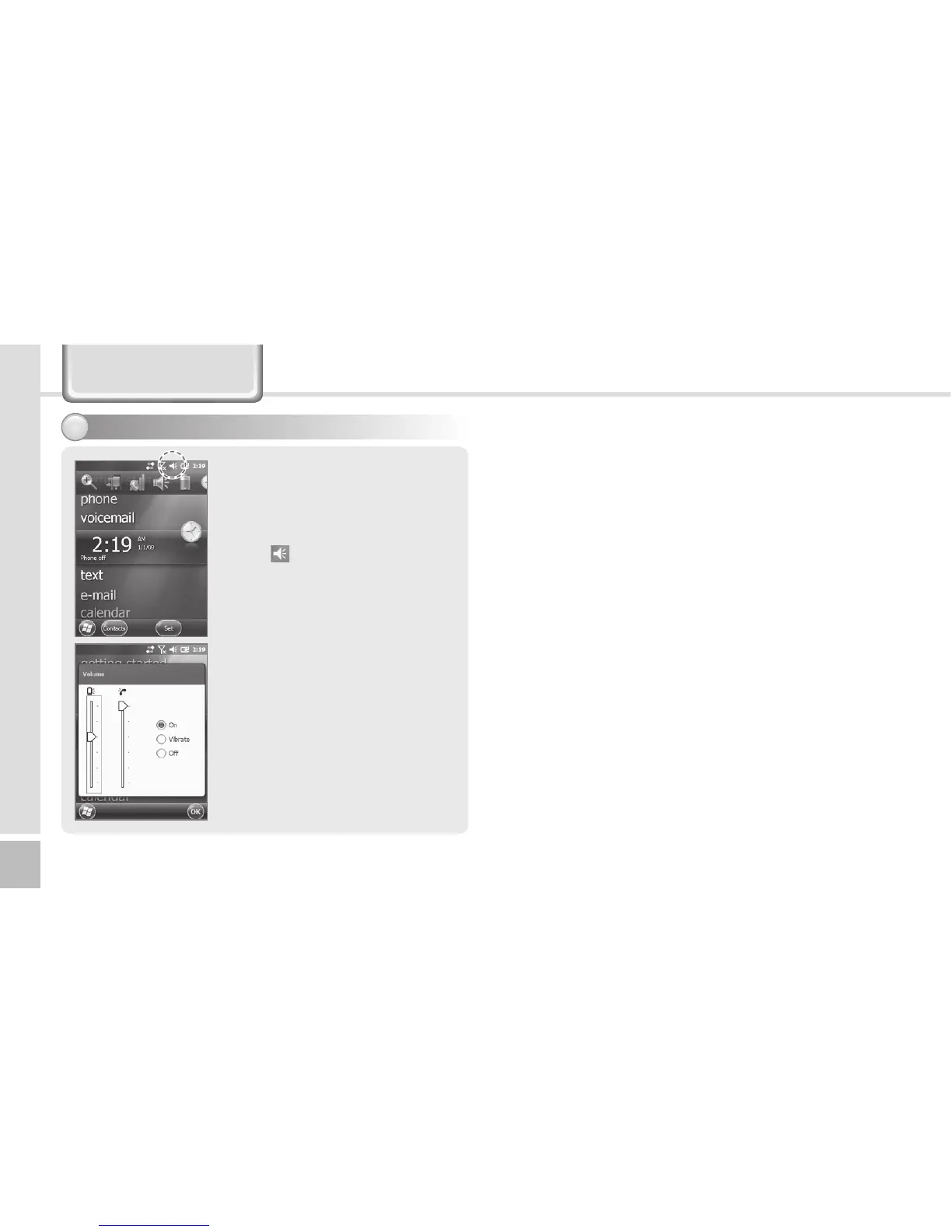
You can adjust volume of the
folder/menu selecting tone or
the ringer.
Select
in the top right of the
screen, select Setting, and you
can adjust system/ringer
volume.
If you select Vibration, the
terminal is switched into the
vibration mode. If you select
Release, the terminal is
switched into the mute mode.
Adjusting volume3
Today Screen



 To Next Page