Manual PIEPS PRO BT/POWDER BT | Firmware v3.0 | 02/2023
24 / 28
5. DEVICE MANAGEMENT WITH THE PIEPS APP
Bluetooth® and the PIEPS APP allow a straightforward device management (e.g. software update, device
configuration) and additionally provide a handy training mode.
Get the PIEPS APP (Android Play Store, iOS App Store), connect your PIEPS beacon and take advantage of all
features!
If the PIEPS APP is already installed, be aware to use the latest version
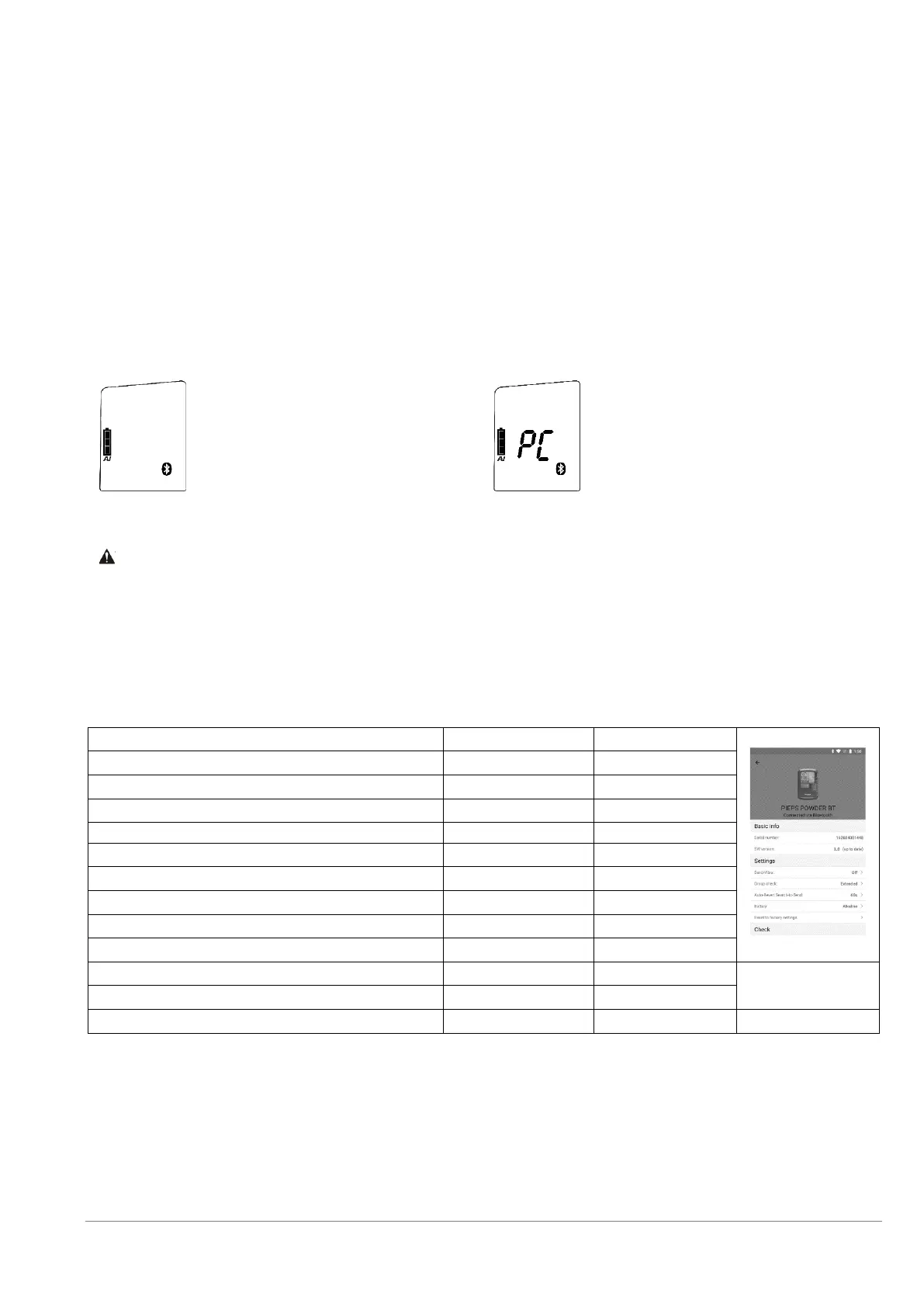
To enable Bluetooth (2A), press and hold the button MARK (1A) while switching on the beacon.
As soon as the Bluetooth symbol is shown on the display, the MARK button can be released.
PIEPS PRO BT: The Bluetooth-mode is confirmed with an acoustic (2x Pieps-tone) and haptic (2x Vibra) signal.
PIEPS POWDER BT: The Bluetooth-mode is confirmed with an acoustic (2x Pieps-tone) signal.
Connection to mobile device established
Risk of a not transmitting device due to enabled Bluetooth
The Bluetooth mode is supposed for device management and training mode only. Never use the
Bluetooth mode in avalanche terrain!
NOTICE! The user is responsible for keeping their beacon firmware up to date. PIEPS recommends checking for
updates at the beginning of every season, and checking monthly when equipment is in regular use.
In the PIEPS APP the following settings can be made:
Battery type (Alkaline/Lithium)
Auto-Search-to-Send Timeout (60 s/90 s/120 s)
Group check pro-mode ON/OFF
Scan mode (regular/detailed)
Mark range (5 m/20 m/MaxRange)
Reset to factory defaults
Further useful features of the PIEPS APP:
• Software Updates
• Warranty extension for registered users
• Device check
• Training mode
• Practical scenarios



 To Next Page