© 2022 Pierce Manufacturing Inc. All Rights Reserved. Husky 3 Foam System / 3-1
SECTION 3 OPERATION
3-1. Foam System Operation
3-1.1 Class A Foam - using on-board Foam Tank
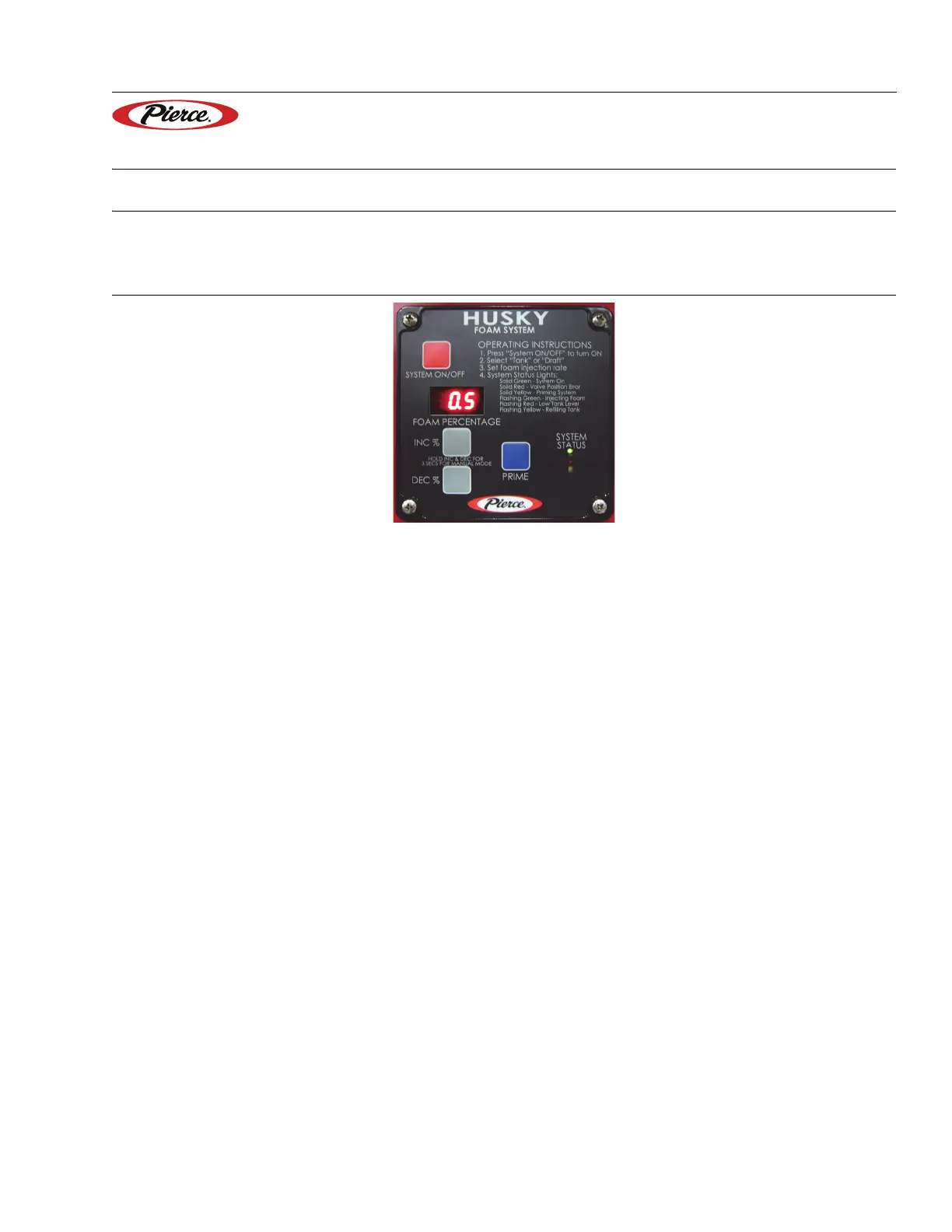
Figure 3-1: Control Head in Class A Foam Mode
1311, 1350, 1335
1. Engage water pump transmission.
2. Recirculate water.
3. Turn the system ON.
NOTE: The green LED will illuminate and stay lit constant.
4. Begin flowing water out of one of the foam/water discharges, foam pump will activate (flashing green LED when
foam pump is injecting).
5. Use the INC % or DEC % buttons to change percentage (if needed).
6. When beginning the mop up phase, turn the system OFF; use the foam that is left in the hose and plumbing for
mop up.
NOTE: The only flush needed is to run the hose until it is mostly free of bubbles. The foam pump is
designed to be flooded with foam


 To Next Page