PKB-M, PKB-MS Operating Manual10
Operation
PILZ
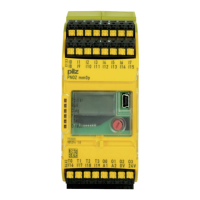
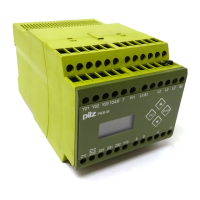
PKB-M
Start display pre-installed ex-works
PKB-MS: version with automatic standstill detection
To save a different menu as the start display, select the menu using the
arrow keys and then press ESC and ENTER simultaneously. Confirm the
displayed message
N Save Y
Menu
with ENTER.
Input menus
I-Brake
XX.XAYYY
Braking current - set value
XX.X Braking current in amps
YYY int: value to be set via keys
ext: value from remote control potentiometer
To switch between internal and external, go to input mode and press
ENTER and UP or DOWN simultaneously.
t-Brake
XXXs YYY
Braking time - set value
XXX Braking time in seconds
INF: Braking time infinity
YYY int: value to be set via keys
ext: value from remote control potentiometer
To switch between external and internal, go into the input mode and press
ENTER and UP or DOWN simultaneously.
setting
Data
Settings
If nothing else is recorded, settings are only possible with password
protection > Level0.
Password
LevelX
Password
X Current password protection
Level0 Only the set value setting for the braking current and braking
time is possible (without password)
Level1 increased setting options (password: PILZ)
In order to give the 4-digit password, switch to input mode and select the
characters using the arrow keys. Pressing ENTER moves you to the next
position.


 To Next Page