Commissioning
Operating Manual PSENvip RL D P Set
1001641-EN-09
| 71
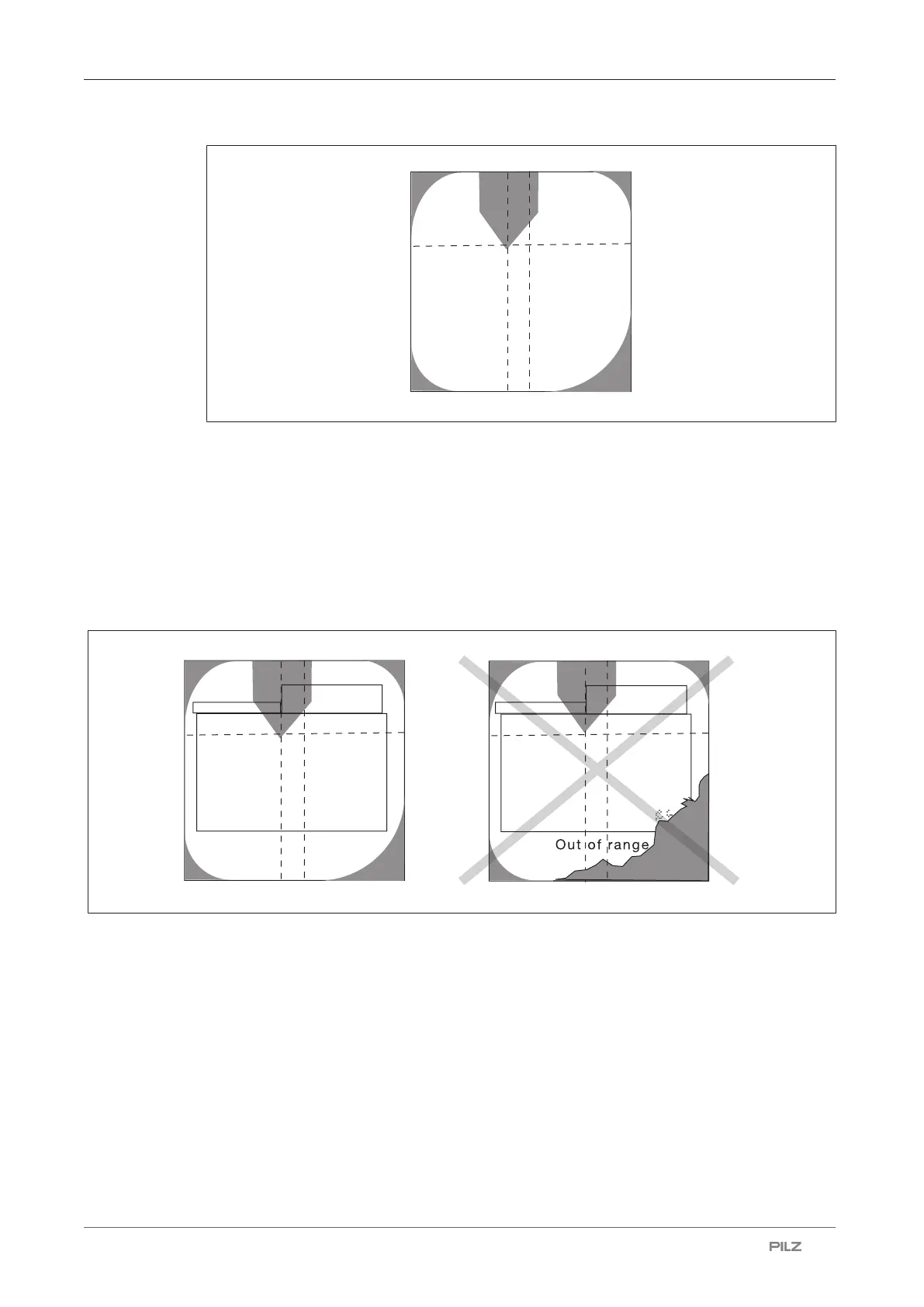
Fig.: Correct adjustment image
} Select <ENTER>.
A guide frame appears on the display. Apart from the areas around the tool centre point,
the guide frame should be clear of objects. The following diagram illustrates a valid and an
an invalid adjustment image.
In the case of an invalid adjustment (right-hand diagram), the Out of range message will
also appear.
Fig.: Checking the adjustment image with superimposed guide frame


 To Next Page