18
Bluetooth mode
Prior to pairing, verify your device supports Bluetooth 4.2 and your device is not
connected to any other Bluetooth product. Devices may pair differently. Below is
a general guide.
1. Press SOURCE > turn SELECT control until the display shows Bluetooth
Audio. Press SELECT to select the mode. This will power on the Bluetooth.
Turn the volume up about ¼ to start. Also turn up the volume on the smart
device (the device you are streaming from).
2. Turn on the Bluetooth on your enabled device.
3. Select Bluetooth device name “PINELL 101” when it appears on your device’s
screen to initiate searching.
4. You can start to play your music files wirelessly. Adjust the volume level on
your device.
You should not have to pair your device again.
Depending on your device, you may need to make multiple attempts at Pairing
and/or Connecting to “PINELL 101”, but please give your device adequate time
to Pair or Connect before repeating the process.
Alarms and sleep
As well as a clock/calendar, there are two versatile wake-up alarms with snooze
facility, and a sleep function to turn the system off after a set period. Each alarm
can be set to start in a particular mode.
Alarms
To set or change an alarm, select MENU > System settings > Alarms.
Select the alarm number (1 or 2) then configure the following parameters:
• Enable: Off, Daily, Once, Weekends or Weekdays
• Time!00:00 (adjust as necessary)
• Mode: Buzzer, Internet radio, DAB, or FM
• Preset: Last listened or 1-20,
• Volume: 0 - max.
To save these settings and set the alarm, scroll down and select Save.
Note: If you press BACK or MENU to exit the Alarm settings without saving, a
dialogue screen is displayed asking if you wish to save the changes or not.
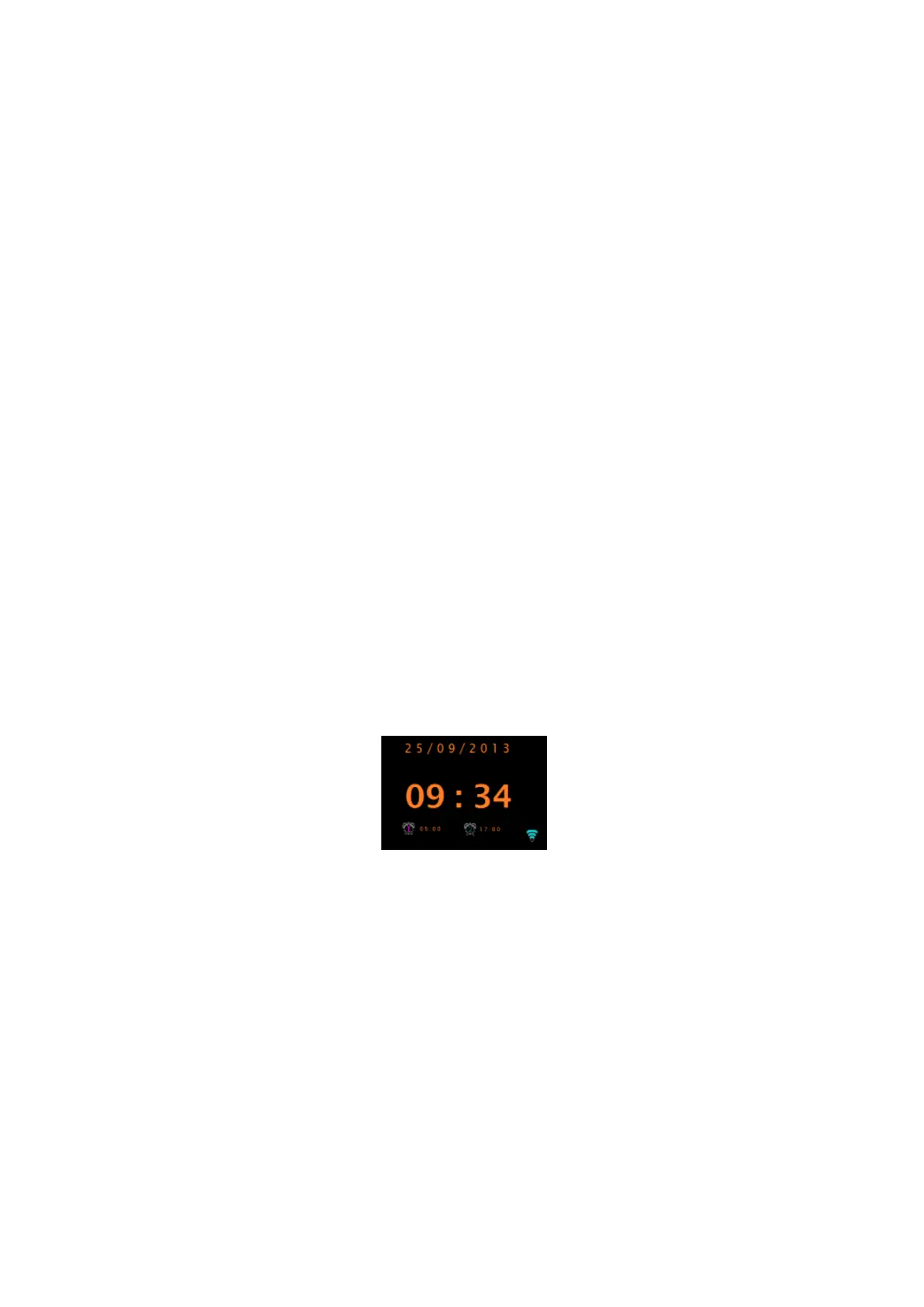
The Now Playing, screen shows active set alarms with an icon at the bottom left.
The Standby screen shows active set alarms with an icon and the alarm time.



 To Next Page