EasyManua.ls Logo

Pioneer AVIC-D2 - Display Information; Main Menu

Pioneer AVIC-D2
134 pages
Print Icon
To Next Page IconTo Next Page
To Previous Page IconTo Previous Page
Loading...
127
AppendixNAVI/AV
Display Information
*1: If you touch “Restore Factory Settings”, the registered POI Shortcuts return to the default or fac-
tory settings.
*2: If you touch “Restore Factory Settings”, the setting value return to the default or factory settings.
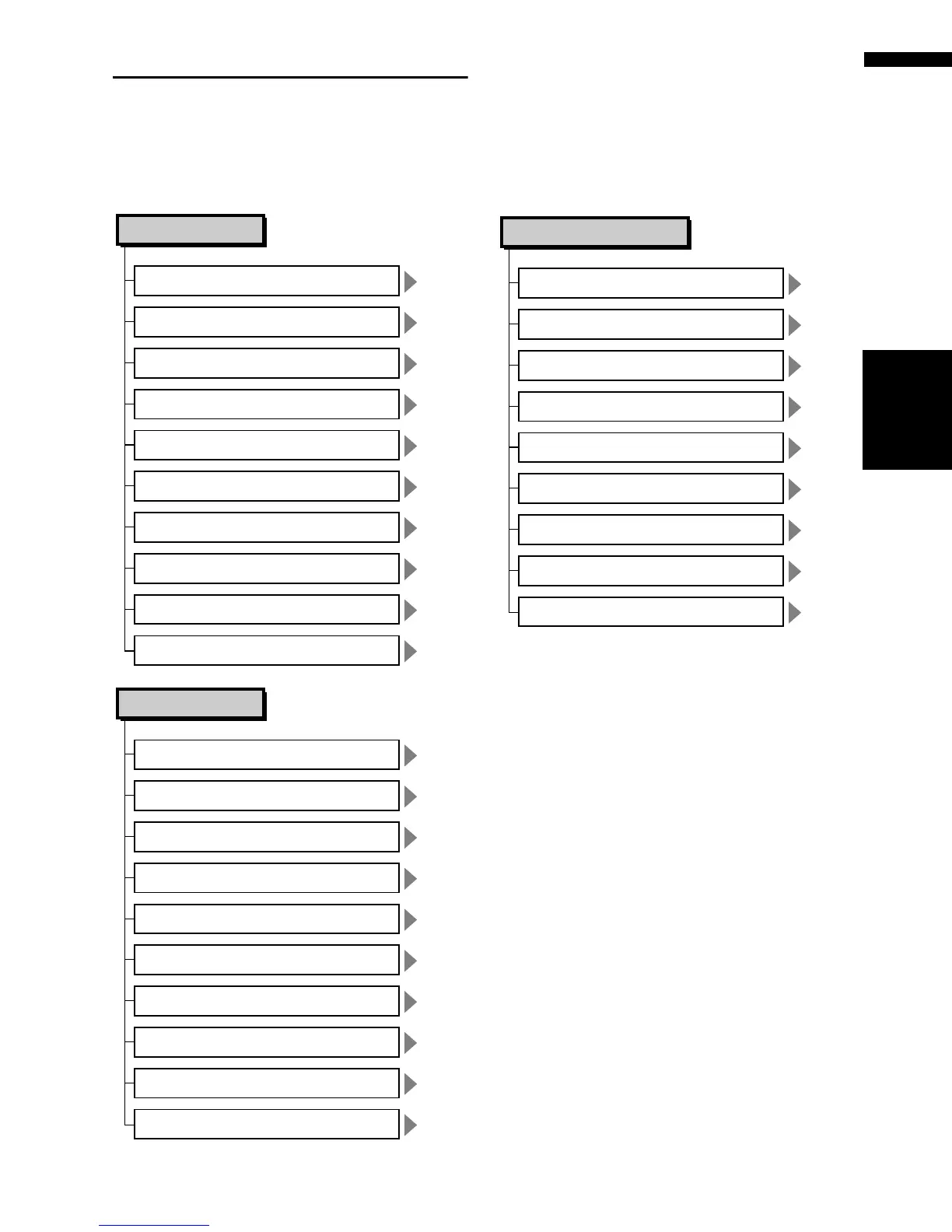
Main menu
P. 20
Destination
Address Search
P. 37, 47
Return Home
P. 37, 47
Go to
P. 35
POI Search
P. 36
Vicinity Search*1
P. 38, 48
Address Book
P. 38, 48
Destination History
P. 37
Freeway Search
P. 37
Telephone Search
P. 38
Cancel Route
Info/Traffic
P. 51
Traffic On Route
P. 50
Traffic Events
P. 53
Traffic Flow*2
P. 53
Traffic Settings*2
P. 56
XM Status
Stock Info
P. 54
Browse
P. 55
My Favorites
P. 56
Emergency Info
P. 57
Overlay POI*1
P. 43
Route Options
P. 38, 44
View Current Route
P. 40, 45
Recalculate
P. 45
Number of Routes*2
P. 45
Route Condition*2
P. 45
Avoid Freeway*2
P. 41, 44
Edit Current Route
P. 45
Avoid Ferry*2
P. 45
Avoid Toll Road*2
P. 42
Designate Areas to Avoid

Table of Contents