USER MANUAL Page 46 of 69
7.3.5 In the treatment interface (example: Figure 19), users can change
the parameters according to actual needs, like the treatment time, laser
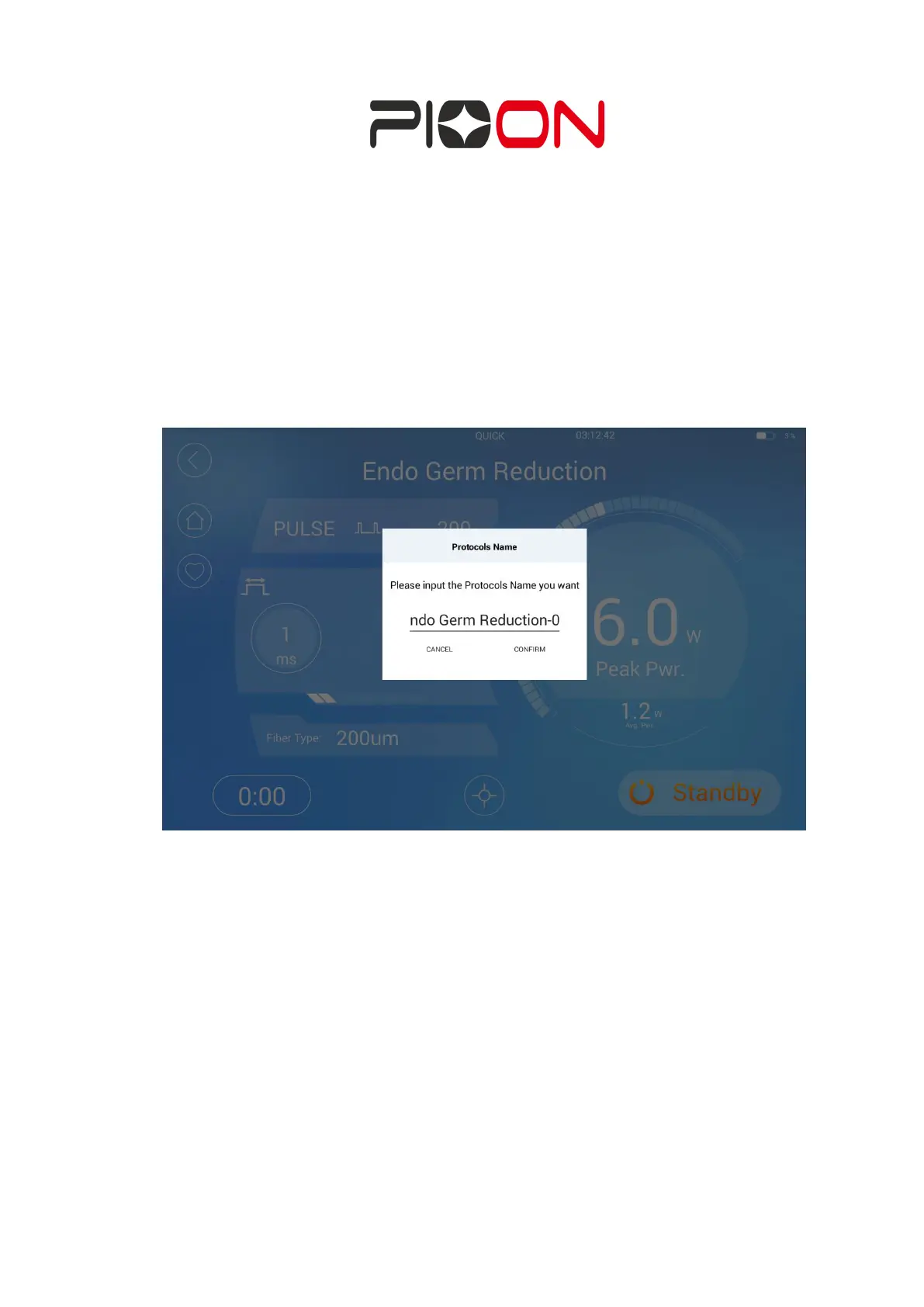
power, and the emitting mode. Users can save the changed protocol by
click “♥”, inset the name and confirm to save it, for the quick use next
time. (Figure 25)
Figure 25 Interface of Naming the protocol
Enter "Favorites" from the home page to view saved protocols.Long press can delete


 To Next Page