Audiometer - 27
Measurement storage
This feature available only at the database version of the
program. To store the measurement, press the button.
Comment
This feature available only at the database version of the
program. Pressing the button opens a comment window
for the measurement.
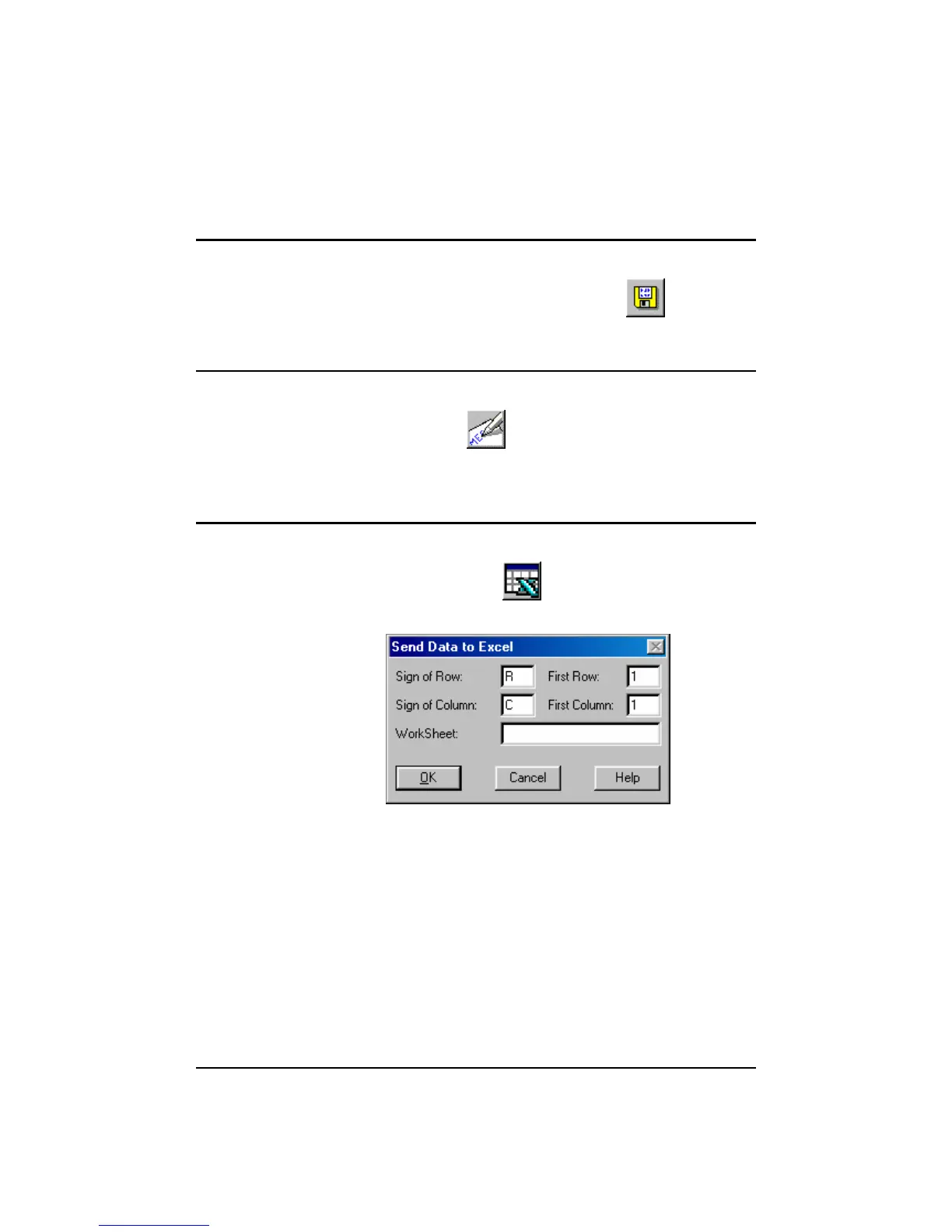
Exporting data to an Excel workbook
It is possible to send the measurement results to an Excel
worksheet, by pressing the button. This will display the
following on the screen:
This function is only available if Excel is running and a
worksheet is open. The column and row identifiers have to be
entered (R and C) according to the current version of the Excel.
Enter the number of the first cell to export the data. A name
may be entered for worksheet, or – if left blank – the data will
be exported to the current worksheet.



 To Next Page