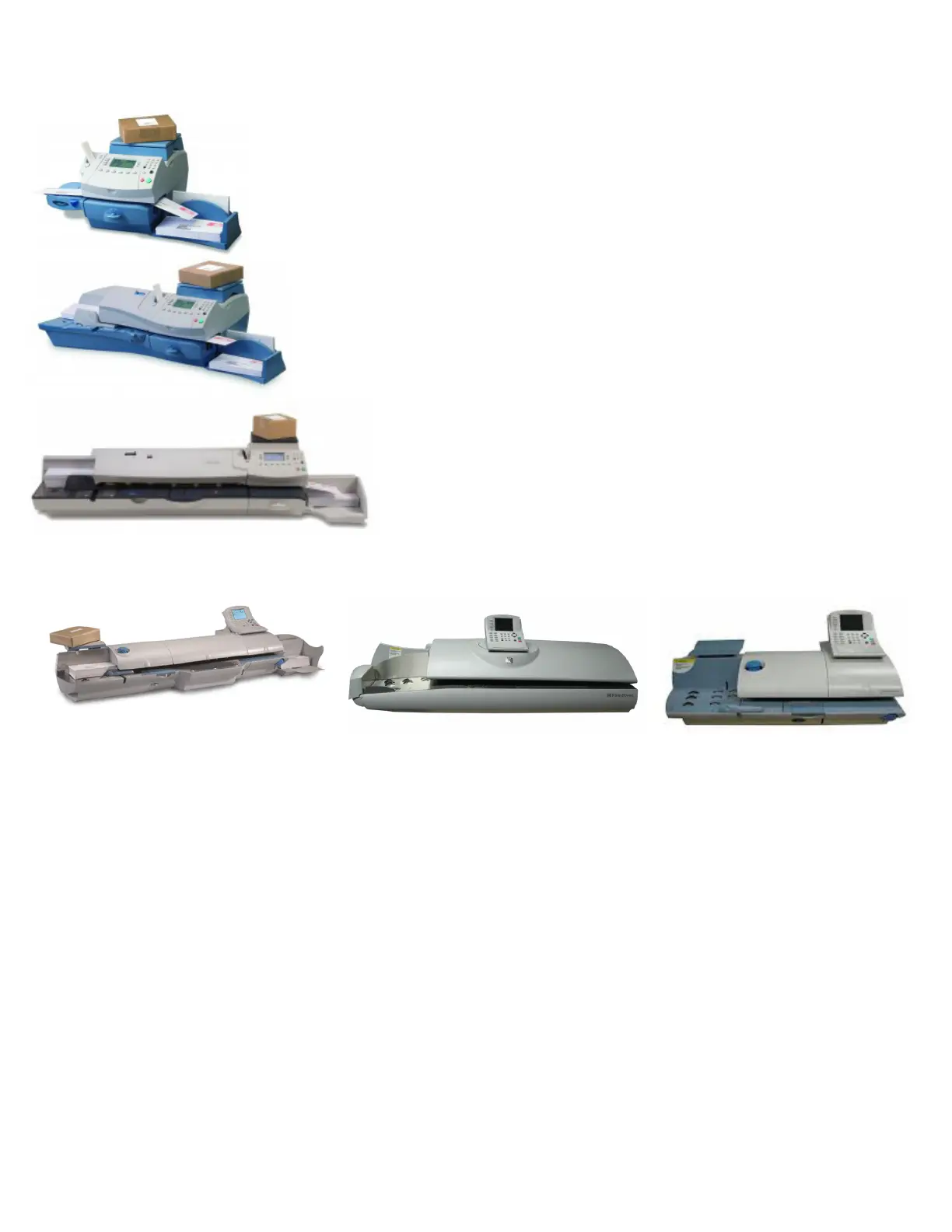
DM300/400/475
1) Set Machine Rate to First Class Letter
a. Press “Class” Key to the left of screen
b. Select “US Domestic”
c. Select “1st Class”
d. Select “Letter”
e. Press “Enter” Key
2) Set the Rate to Normal Preset
a. Press “Menu” Key
b. Scroll Down to “Preset Options” and select
c. Select “Set Normal Preset”
Megameter Series Meters DM500/800/900/1000/1100
1) Set Machine Rate to First Class Letter
a. Select “Class” using the keys to the left of screen
b. Select “US Domestic”
c. Select “First Class Regular”
i. For those using WoW functions, you’ll want to select your WoW rate
d. Select “Letter”
e. Press “Enter” Key
2) Set the Rate to Normal Preset
a. Select “Custom Presets”
b. Press the “Right” Arrow Key below the screen
i. Note how this key is assigned to “Set-up Presets” on the screen above
c. Select “Store Current Setting to Preset”
d. Select “Normal”
e. Press “Enter” Key
NOTE: There have been occasional reports of Megameter series meters losing not only their normal,
but custom presets during the rate change. To set a custom preset simply prepare your rate, then
follow step 2 above but instead of selecting “Normal” assign your custom preset to one of the many
slots designated for “Custom” presets.













 To Previous Page