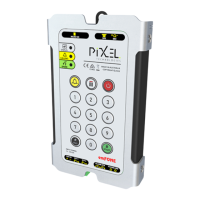
Telephone Line Powered Auto Dialing emFONE
Copyright © 2014 Pixel Technologies Pty. Ltd
3.4. Voice Identification Message
A built-in voice message is played upon answering an emergency call. The unit comes with a factory
default message although this message will need to be re-recorded to identify the calling location of
the unit installed. The message will act as an aid to those with communication difficulties when an
alarm call is raised.
3.4.1. Recording the Voice Identification Message
Recordings can be achieved by using either a remote telephone handset by dialing into the emFONE or
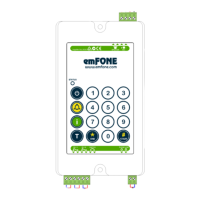
by using the membrane keypad onboard and recording via its local microphone.
When recording;
Ensure that there is minimal background noise.
Speak approximately 2-6 inches from the microphone.
NOTE: The maximum message length is 16 seconds. If the message is shorter than 16 seconds, press
the '0' digit to end the recording process, otherwise the unit will play two audible beeps when the
recording time elapses.
1. Enter the following sequence, wait until two audible beeps are played, then begin recording:
2. To stop the recording process enter '0'.
3. Once the voice message has been recorded it can be played back at any time by entering the
following sequence:
If a voice identification message is not required, refer to section 3.6 to disable this feature.


 To Next Page