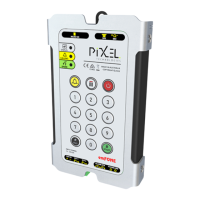
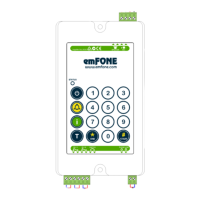
Telephone Line Powered Auto Dialing emFONE
Copyright © 2014 Pixel Technologies Pty. Ltd
4. Operation
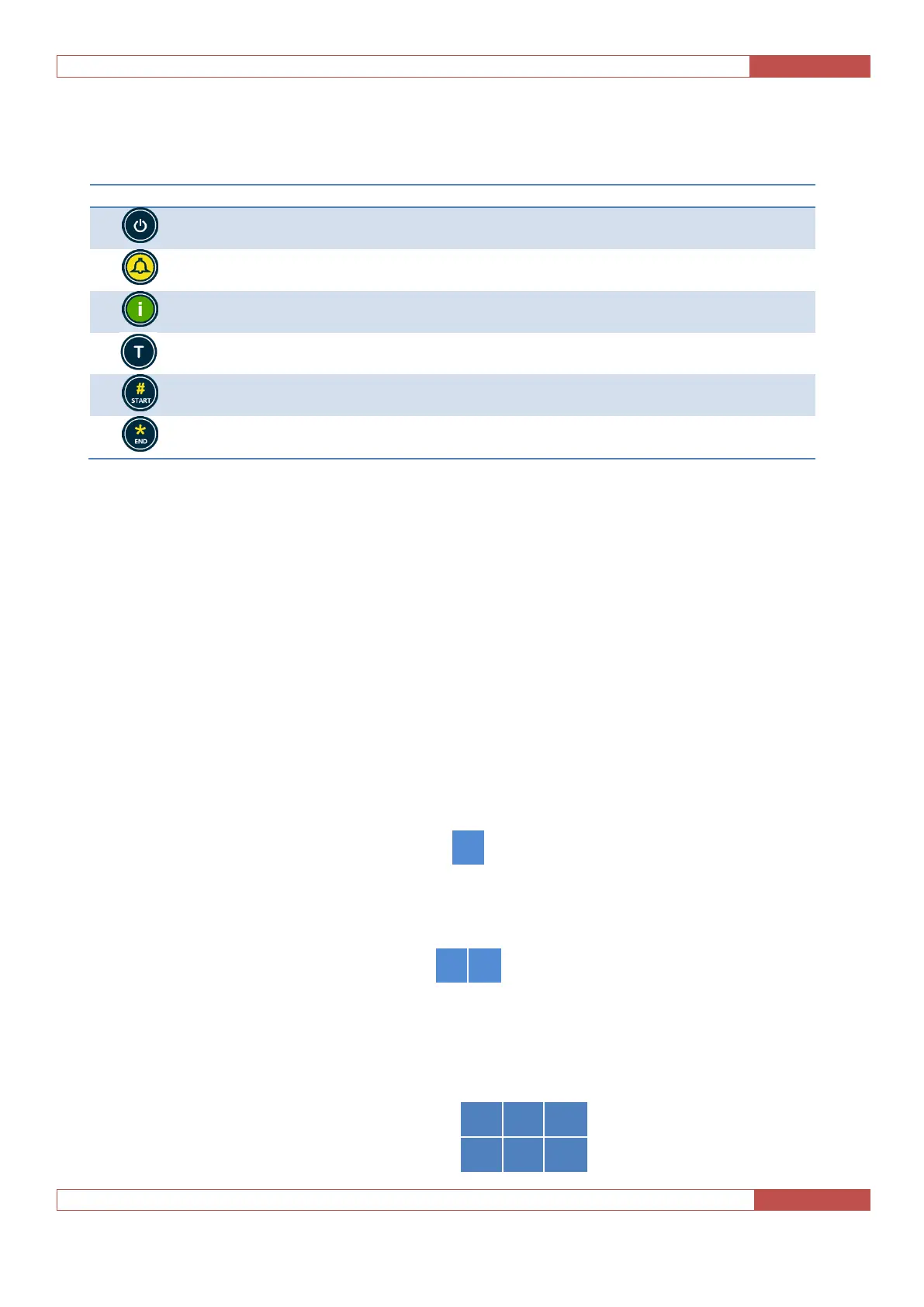
4.1. Membrane Keypad Buttons
Switch between standby mode and unit ON mode
Dials the Get Number to obtain the line number in which the unit is
connected
Manual System Fault Report (If enabled, refer to section 3.10.2)
Commence programming sequence when in standby mode. Including
other operations
End of programming sequence
Table 7 - Membrane Keypad Buttons
4.2. Raising an Alarm Call
To make a call press the 'Alarm' button on the unit’s onboard keypad or close the alarm button dry
contacts connected to the units Alarm button input. The unit will dial the pre-programmed help
number, or if configured for a HOTLINE as detailed in section 3.3.5 will loop the telephone line.
4.3. Commands
The following commands can be used via the onboard keypad or remotely when you have established
a call with the unit, using a touch tone telephone or mobile handset. Commands are sent via DTMF
digits to activate certain features of the telephone as detailed below.
4.3.1. Reset Talk Time / Stop Playback of Digital Voice Message
To reset the Talk Time during conversation, enter the following:
4.3.2. Hang Up a Call
To manually hang up the call, enter the following sequence:
4.3.3. Activate Relay Contacts
If the relay contacts have been set to turn on via DTMF code sent as detailed in section 3.6.3, enter the
following individual sequences:


 To Next Page