15
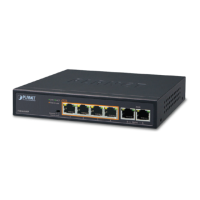
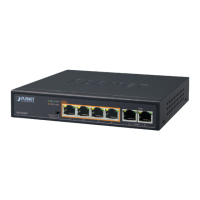
10/100Mbps PoE Ports
LED Color Function
LNK/ACT Green
Lights
Indicates the link through that port is successfully
established at 10/100Mbps.
Blinks
Indicates that the Switch is actively sending or
receiving data over that port.
PoE-in-Use Amber
Lights Indicates the port is providing DC in-line power.
O
Indicates the connected device is not a PoE
powered device (PD).
10/100/1000Mbps TP and 100/1000Mbps SFP Slots
LED Color Function
LNK/ACT Green
Lights
Indicates the link through that port is successfully
established at 1000Mbps.
Blinks
Indicates that the Switch is actively sending or
receiving data over that port.
100 Red Lights
Indicates the port is successfully established at
100Mbps
1000 Green Lights
Indicates the port is successfully established at
1000Mbps.
2.2 Rear Panel
The rear panel of the LCD Switch has an AC power socket (100 to 240V AC, 50-
60Hz, 5A).
100-240V , 50/60Hz, 5A max.
Figure 2-2: FGSW-2022VHP Switch Rear Panel



 To Next Page
 Loading...