12
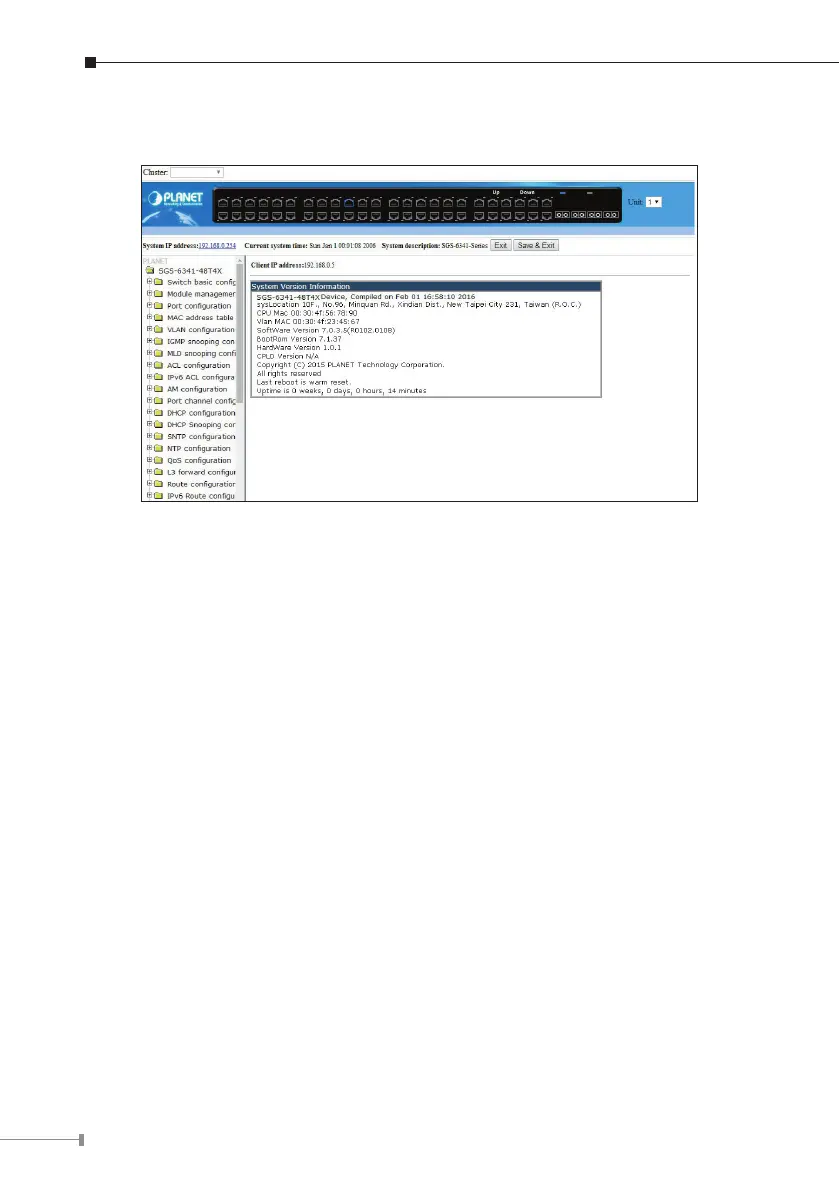
3.Afterenteringthepassword,themainscreenappearsasshowninFigure5-3.
Figure 5-3 Web Main Screen of Managed Switch
4.The Switch Menu on the left ofthe Webpage lets you access allthe commands
andstatistics theSwitchprovides.
Now, you can use the Web management interface to continue the Switch
management or manage the Managed Switch by console interface. Please refer to
theusermanualformore.



 To Next Page
 Loading...










