11
5.1 Logging in to the Managed Switch
1.Use Internet Explorer 8.0 or above Web browser and enter IP address
http://192.168.0.254toaccesstheWebinterface.
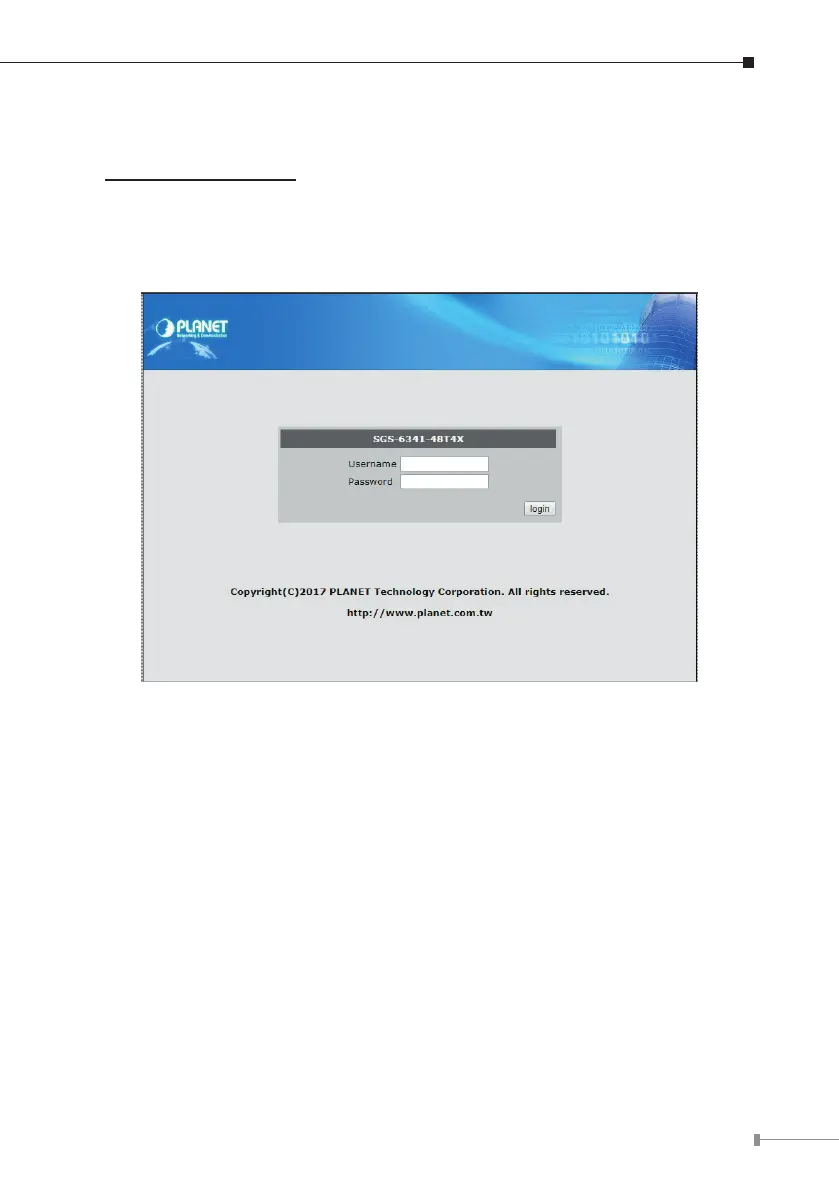
2.When the following dialog box appears, please enter the congured username
“admin”and password“admin”(or theusername/password youhavechanged
viaconsole).TheloginscreeninFigure5-2appears.
Figure 5-2 Login Screen



 To Next Page
 Loading...










