9
4.3 Setting1000BASE-XforSFP+Port
TheManagedSwitchsupports both1000BASE-Xand10GBASE-X SFPtransceiver
bymanual settingand thedefault SFP+port speedis setto 10Gbps.Forexample,
to establishthe berconnection with 1000BASE-XSFP transceiverin the Ethernet
1/0/25,thefollowingcommandcongurationisrequired:
SGS-6341-Series#cong
SGS-6341-Series(cong)#interface ethernet 1/0/25
SGS-6341-Series(cong-if-ethernet1/0/25)#speed-duplex force1g-full
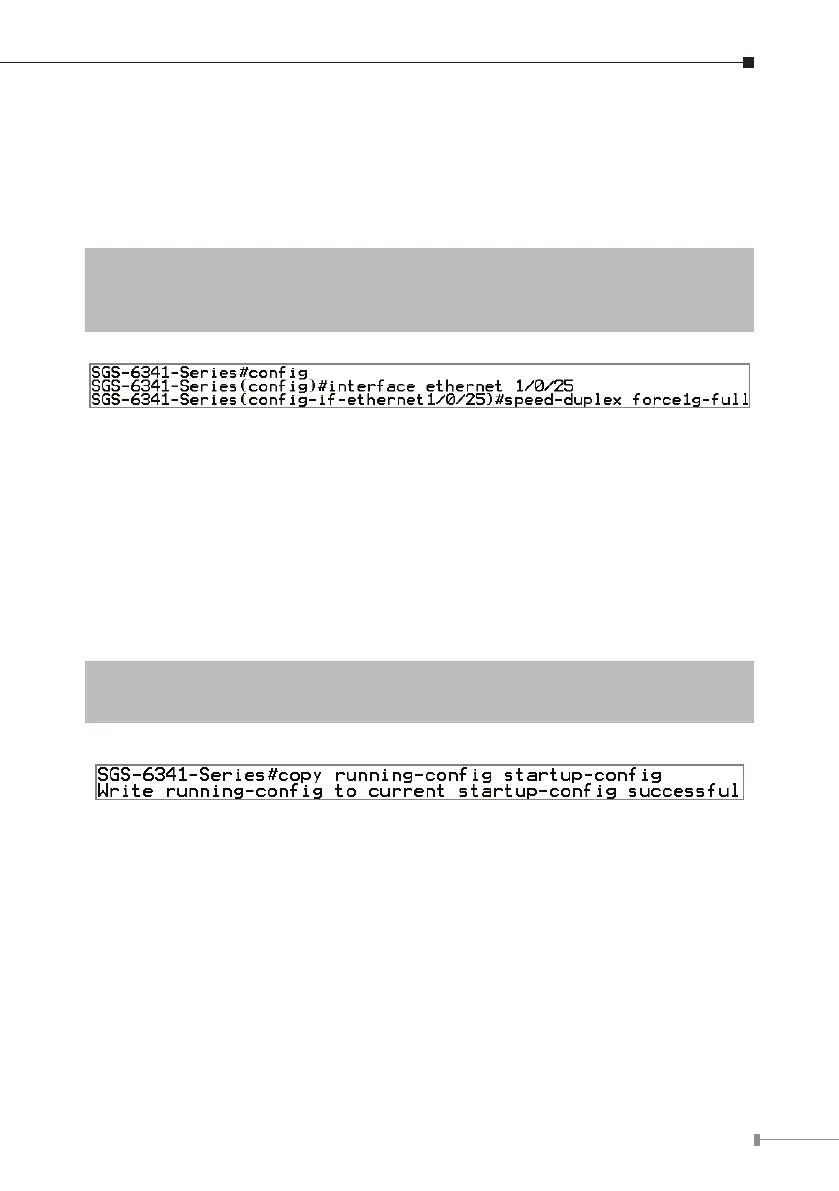
Figure 4-6 Setting 1000BASE-X Screen
4.4 SavingtheConguration
In Managed Switch, the running conguration le stores in the RAM. In the
current version, the running conguration sequence running-cong can be saved
from the RAM to FLASH by write command or copy running-cong startup-
congcommand,sothattherunningcongurationsequencebecomesthestart-up
congurationle,whichiscalledcongurationsave.
SGS-6341-Series# copy running-cong startup-cong
SGS-6341-Series# write
Figure 4-7 Copying Running-cong Startup-cong Screen



 To Next Page
 Loading...










