User Manual of WRE-1200
25
For the first-time setup, you can move the WRE-1200 closer to the access point you wish
to connect to. After the connection is established, you can move the WRE-1200 to the place
you wish to use.
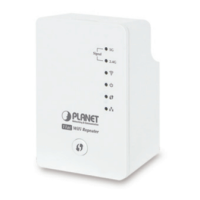
After this installation is done and wireless connection is built, repeater's "Signal" LED
will be enabled.
You can check signal LED on the device to understand signal reception level.
Steady light: Excellent
Flash: Good
Fast flash: poor
Off: out of signal
You can use this signal LED to find the best location of repeater(for example: a better
place may be the center of your access point and the farthest client PC)


 To Next Page