User Manual of WRE-1200
24
5.1.1 Method A - Press the WPS Push button for automatic Connection
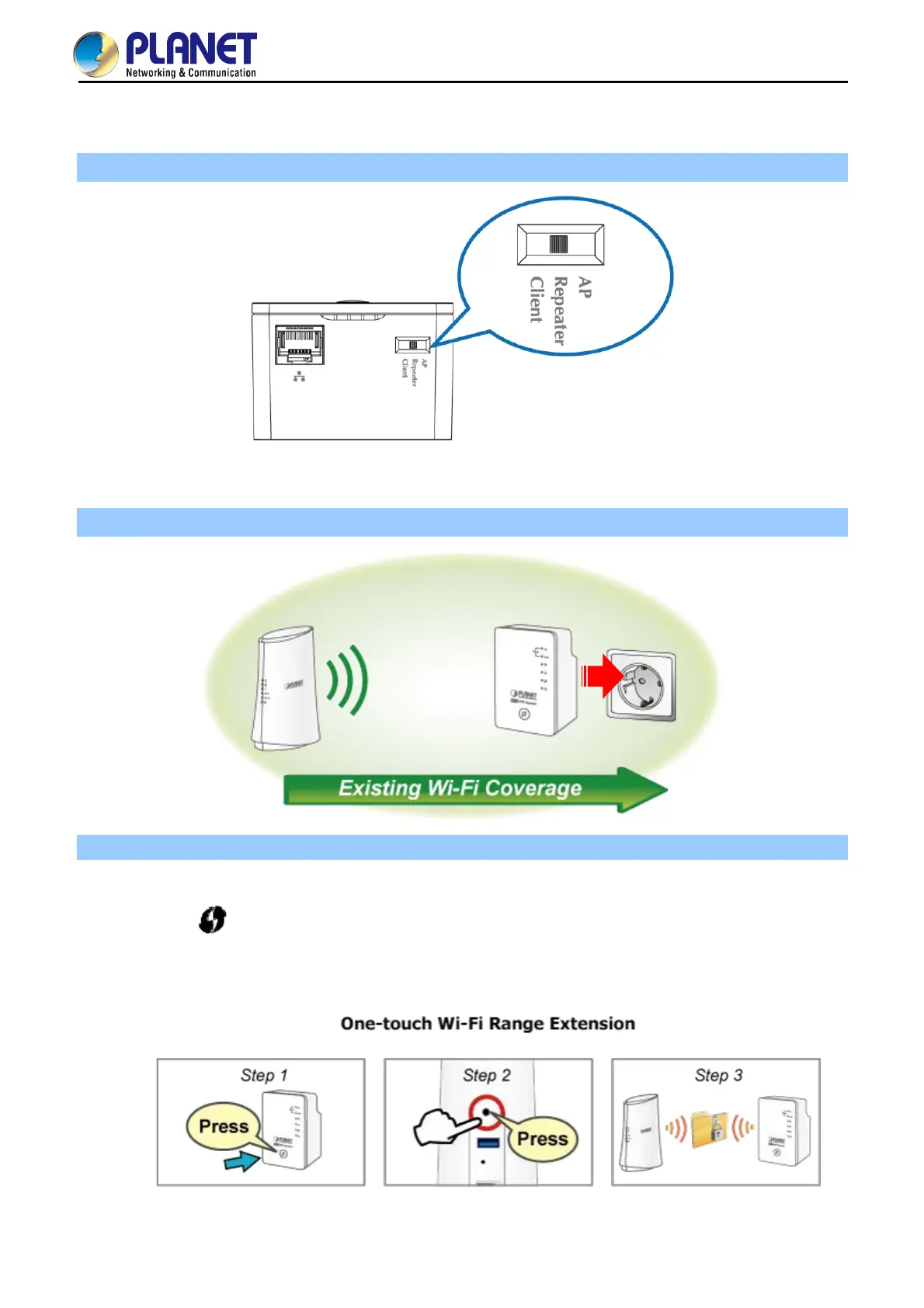
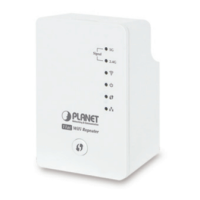
Step 1. Make sure the operation mode by hardware switch is Repeater Mode (Default Setting).
Figure 5-1 WRE-1200 default mode
Step 2. Plug the WRE-1200 into the wall outlet, and wait for the WRE-1200 to boot up.
Step 3. How to establish connection with AP:
(1) On the front panel of the WRE-1200, press the WPS Button for more than 2 seconds until the
WPS LED blinks slowly.
(2) On the Wireless Router or AP, press the WPS Button for 2 seconds.
(3) Wait for the connection to be established.
Figure 5-2 One-touch Wi-Fi Range Extension


 To Next Page