OPEN ON POWER FAIL:
The Auto-Open feature in Platinum Access Systems Gate Operators enables the following
functionality in the event of power failure:
a. Open the gate in case of power failure (120 or 220 VAC).
b. Keep the gate at the open position as long as the there is no power.
c. Resume to normal operation when the power has been restored.
All accessories and safety devices are functional. The only function disabled is the close command.
ADVANCING LOCK SELECT:
BRK DIS SELECT :
I
Auto-Open
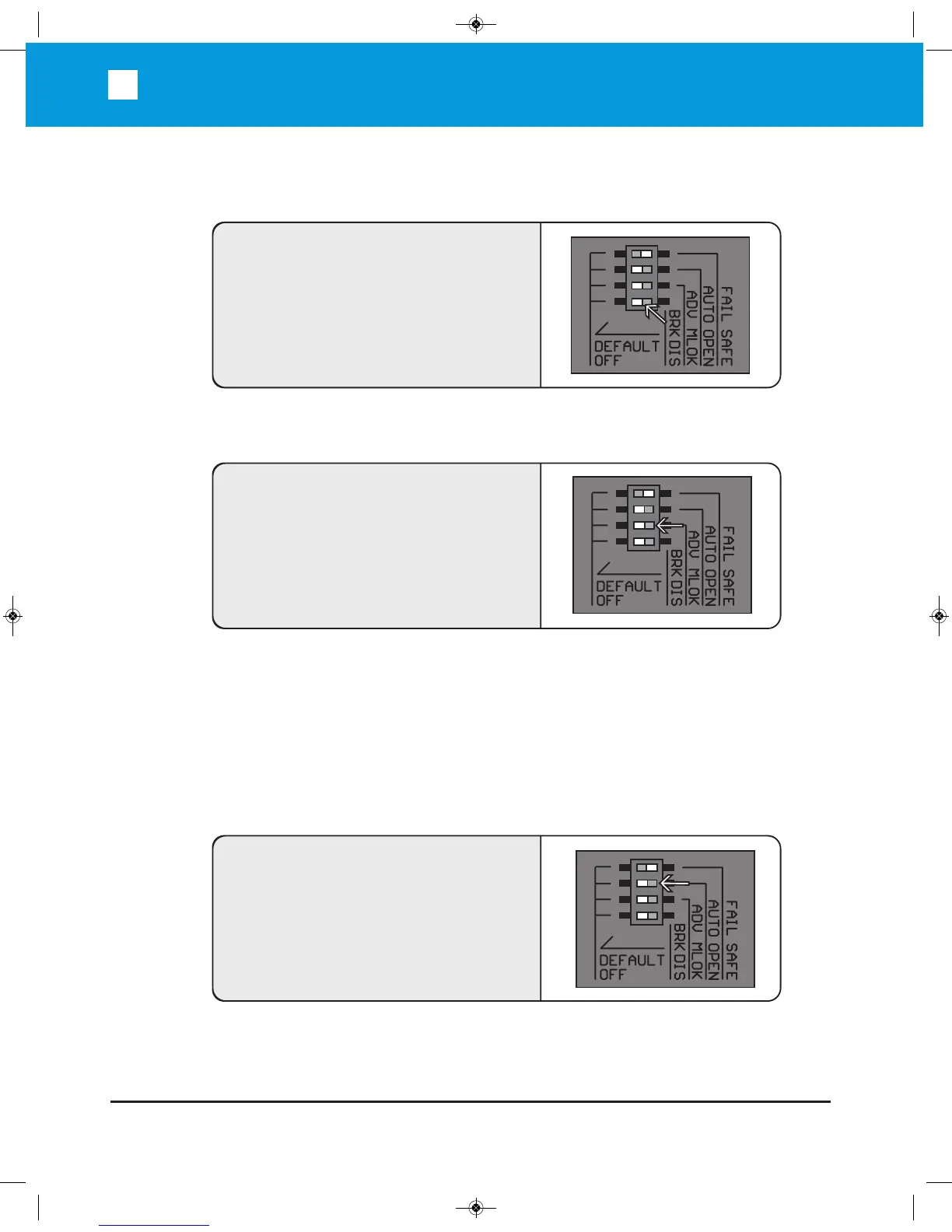
To enable the Auto-Open feature: Select the
DIP switch to AUTO OP position.
ADV MLOK
To set the maglock to be engaged before the
gate reaches the close or open position:
Select the DIP switch to ADV MLOK position.
BRK DIS
If the Fail Safe pin is still inserted on the arm,
and set this switch to BRK DIS position, then
the unit can operate longer time if the power
source is from the batteries only.


 To Next Page