Section 2. Installing Your PX-708A Internal Drive
28
PX-708A Installation and Users Manual
6. Plug one connector of the IDE cable into the IDE connector on the
rear panel of the drive before you insert the drive into your
computer. Then thread the cable through the front of the open bay
and back toward the motherboard. The drive should slide smoothly
into the bay. If it does not, check for obstructions in the bay and
ensure the side rails are attached properly.
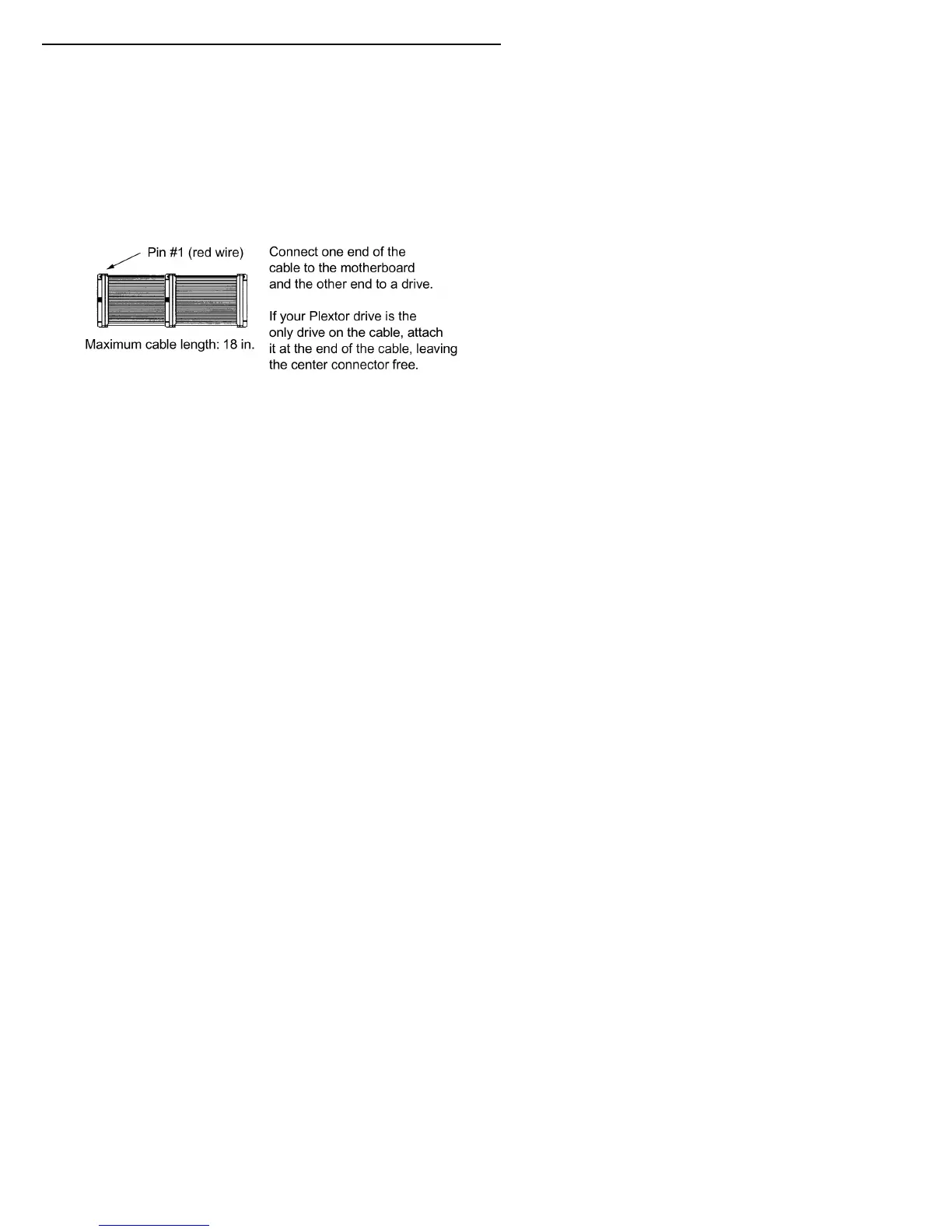
7. If not already connected, attach the other end of the IDE ribbon cable
to the connector on the motherboard.
Figure 16: Connecting the IDE ribbon cable
CAUTION
: With some IDE ribbon cables, it is easy to accidentally
plug your IDE cable upside down into both your drive and the
motherboard. Be sure you match the red stripe along one side of the
IDE cable to Pin 1 on the motherboard and Pin 1 on the drive. (Pin 1
on the drive is closest to the power connector.) Note that each
connector on most ribbon cables also has a “key” in the middle. This
key should fit into a slot in the middle of each connector of the
motherboard, your PX-708A drive, and any other internal IDE
peripherals.
8. Double-check your work. You must ensure the side of the IDE cable
with the red stripe is matched to Pin 1 on the interface board and on
the drive.
CAUTION
: In the case of only one IDE device, you must make
certain that one end of the cable is always connected to the IDE
connector on the motherboard. The other end of the connector must
be connected to a device. The end connector of the cable should
never be left unconnected.



 To Next Page