6
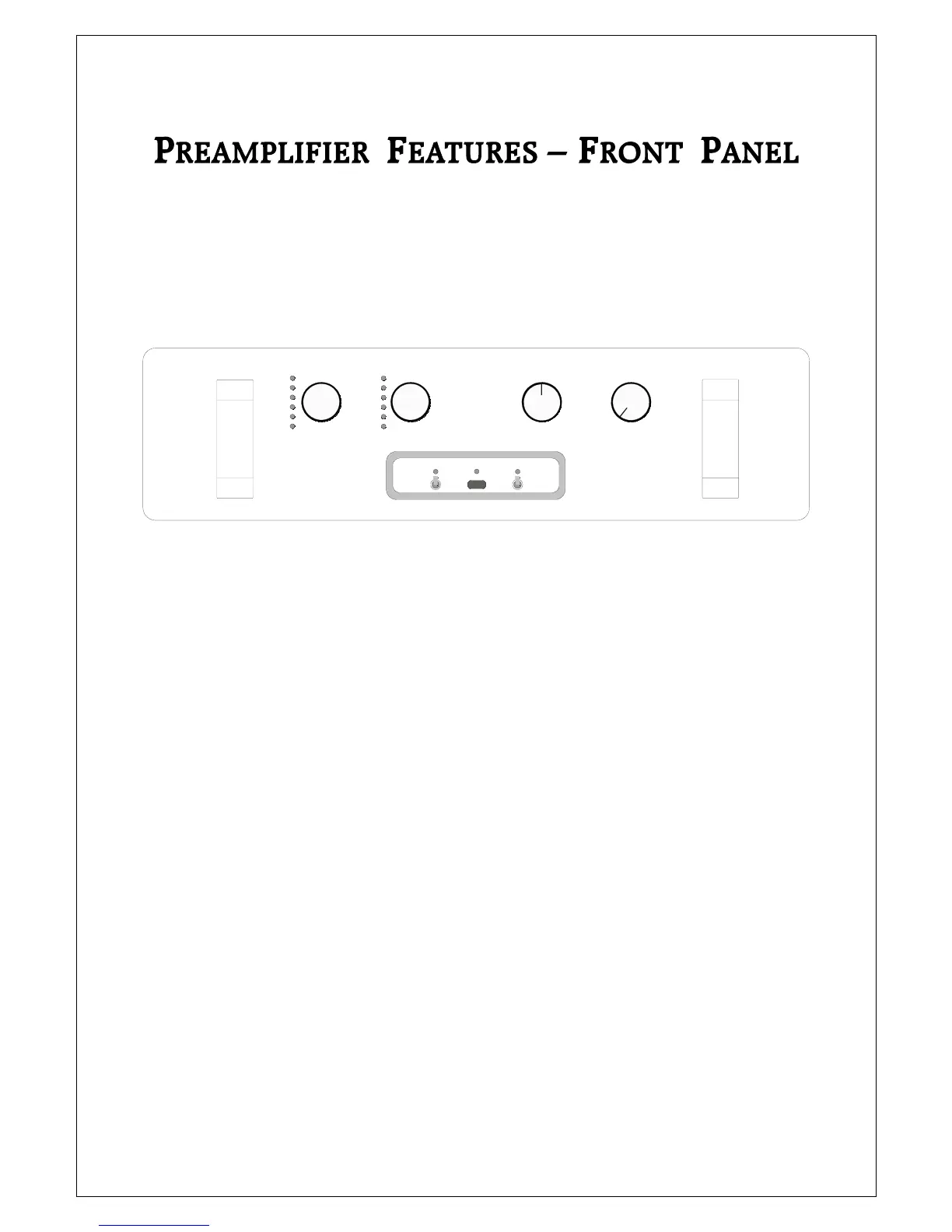
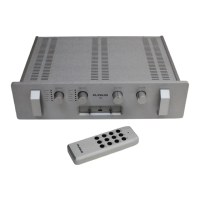
The front of the Plinius M16 Preamplifier incorporates all the facilities
you will require on a daily basis.
FRONT PANEL LAYOUT SHOWING VOLUME, BALANCE, SOURCE AND RECORD
KNOBS, PHASE AND MUTE SWITCHES, AND DISPLAY LEDS
STANDBY LED
The standby LED indicates when the preamplifier is in standby mode. This LED also lights to show
whenever the remote control is being used to change the volume level.
PHASE SWITCH
Use the phase switch to change the phase response of the Plinius M16 from absolute to inverted 180°.
The LED above the switch will light when the unit is set to inverted phase. If your M16 has the optional
phono stage installed, the opposite applies for the phono circuitry only. In other words, when in phono
the phase LED will light when in absolute phase, but with any other input selected the phase LED will light
when in inverted phase.
MUTE SWITCH
Whenever the Plinius M16 is muted either with the remote control or by using this switch, the LED will
light and the preamplifier outputs will be shorted.
PLINIUS
16
PHONO
C.D.
TUNER
VIDEO
TAP E 1
TAP E 2
RECORDSOURCE
PHONO
C.D.
TUNER
VIDEO
TAP E 1
TAP E 2
PHASE STANDBY MUTE
BALANCE VOLUME


 To Next Page