Light Status
On The scanner is connected with the computer, ready to scan images.
Off The scanner is off, either because of disconnection with the
computer, or because the computer being turned off.
Scanner Connection
The first step to take when troubleshooting connection problems with your
scanner is to check all physical connections. The QuickScan icon
, located on the
Windows system tray, indicates if the scanner software is properly launched and the
scanner and computer are communicating with each other.
Appearance Status
The QuickScan program has been successfully launched and the
scanner is connected with the computer, ready to scan mages.
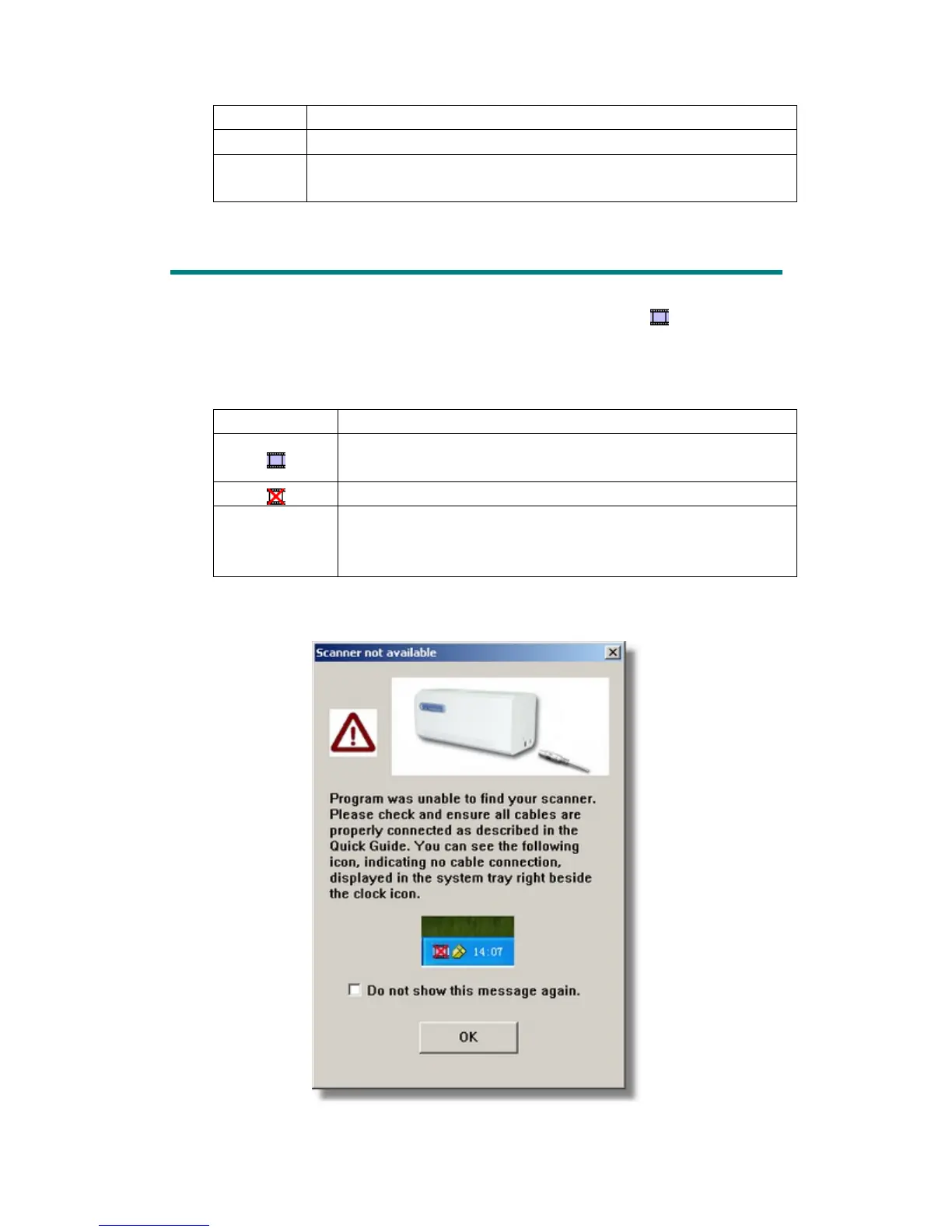
The scanner is not connected with the computer.
No Display You have chosen to terminate the QuickScan program, no
matter the scanner is connected or disconnected with the
computer.
If the Windows system starts and detects the scanner unconnected, the following
message will appear to remind you:
19











 To Next Page