Applications 35
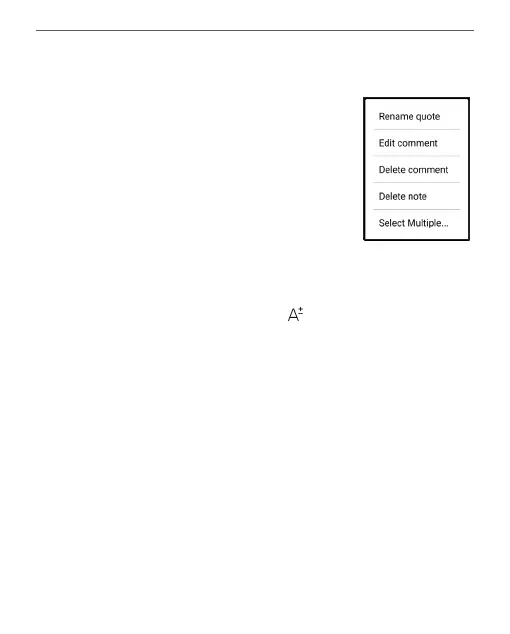
By tapping long on a note, a context menu will open, in
which the following options are available:
• Rename quote;
• Edit comment;
• Delete comment;
• Delete note;
• Select multiple...
You can also change the font size of notes in the Notes
App. To do this, tap on the icon , and use the slider to
select the required size.
To add or edit a comment to a note, select the note you
are interested in and use the long-tap gesture, select the
desired action in the window that opens, add or change the
text of the comment, and tap on Save.















 To Next Page