PM95 Android 13 User Manual
Getting Started
26
© 2024 Point Mobile Co., Ltd. All rights reserved
Use a Touch Screen
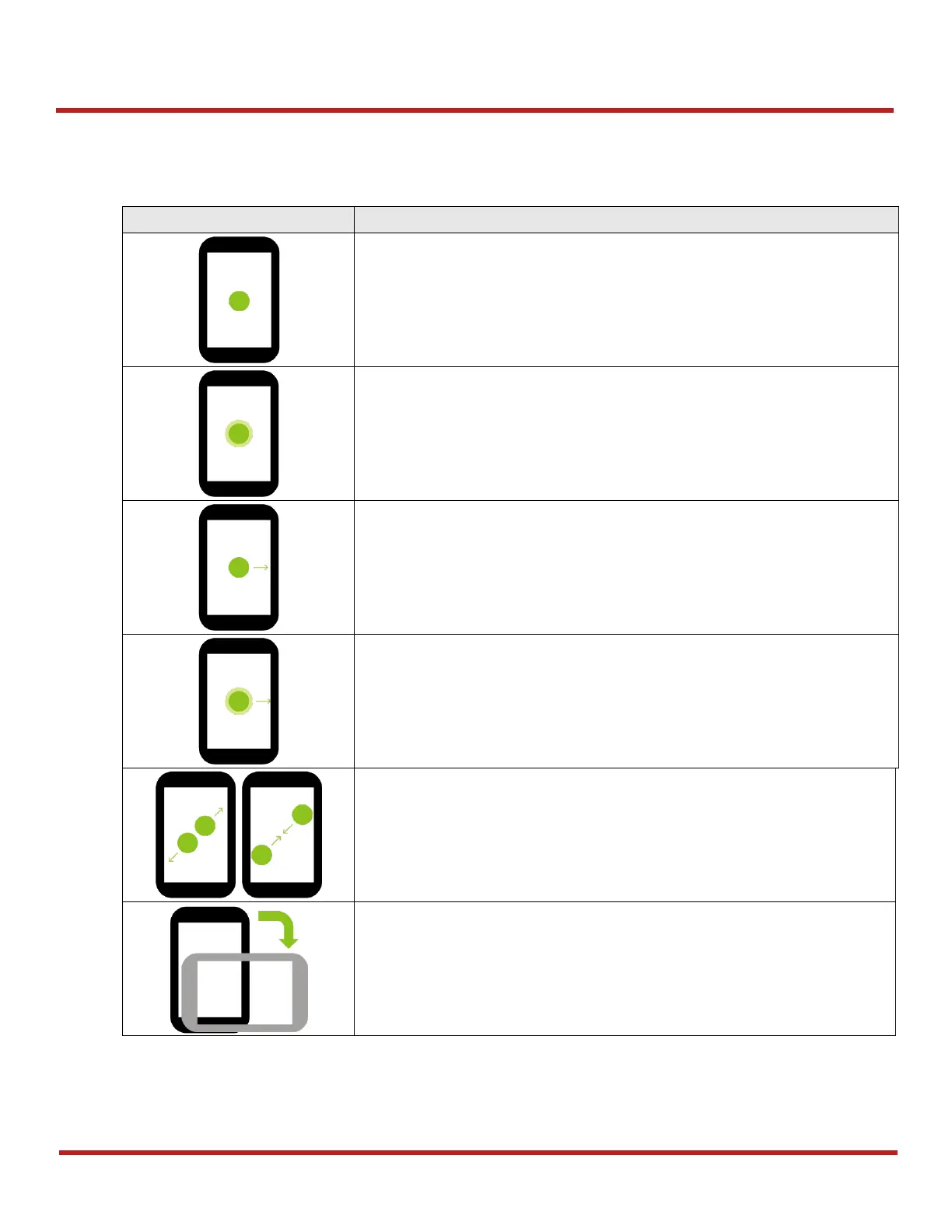
Controlling the touch screen
Long-press
One-finger press, wait, lift for select action
Drag, Swipe, or Fling
One-finger press, move, lift for scroll or tilt action
Long-press drag
One-finger press, wait, move, lift for pick up and move, or select multiple items
action
Pinch Open & Close
Two-finger press, move outwards and inwards, lift for
zoom in / out
action
Rotate
When PM86 is turning sideways,
screen orientation is changing



 To Next Page