PM95 Android 13 User Manual
Wireless
70
© 2024 Point Mobile Co., Ltd. All rights reserved
NFC
Scanner SKU & Non-Scanner SKU
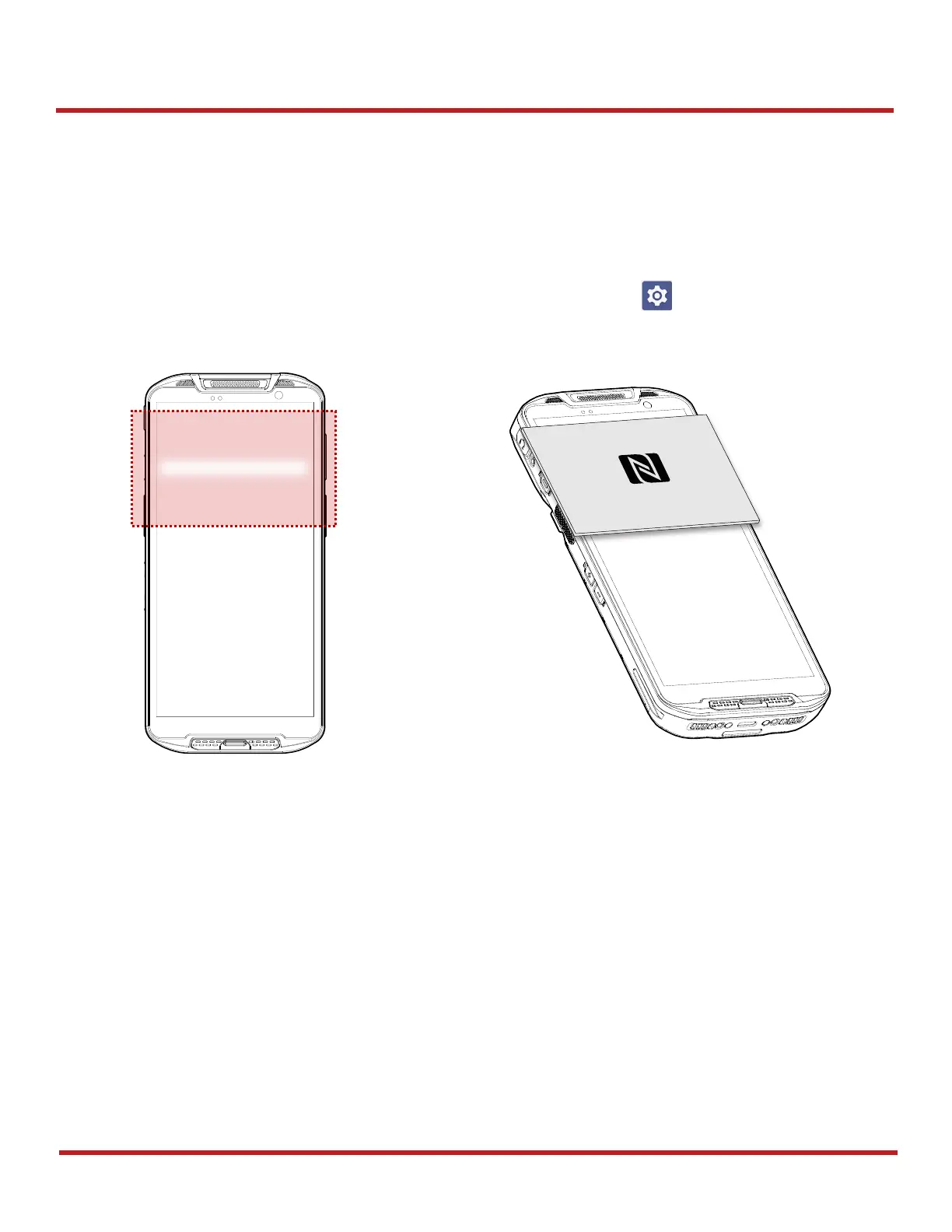
On the PM95 Scanner or Non-Scanner SKU, the NFC antenna is located at the 1/3 top of the display. Bring the
NFC tag close to the tapping area as Figure 88.
NFC feature is enabled by default.
But if NFC does not work, make sure the NFC is enabled from the
Settings
>
Connected devices
>
Connection preferences
>
NFC
.



 To Next Page