EasyManua.ls Logo

Point Mobile PM95 - Operating System Update Methods

Point Mobile PM95
92 pages
Print Icon
To Next Page IconTo Next Page
To Previous Page IconTo Previous Page
Loading...
PM95 Android 13 User Manual
System Maintenance
77
© 2024 Point Mobile Co., Ltd. All rights reserved
Check Device Health
 and eMMC health.
Monitor the battery and eMMC status to foresight their lifetime or find the cause when there is a battery problem
such as cannot charge the device or rapid battery discharge.
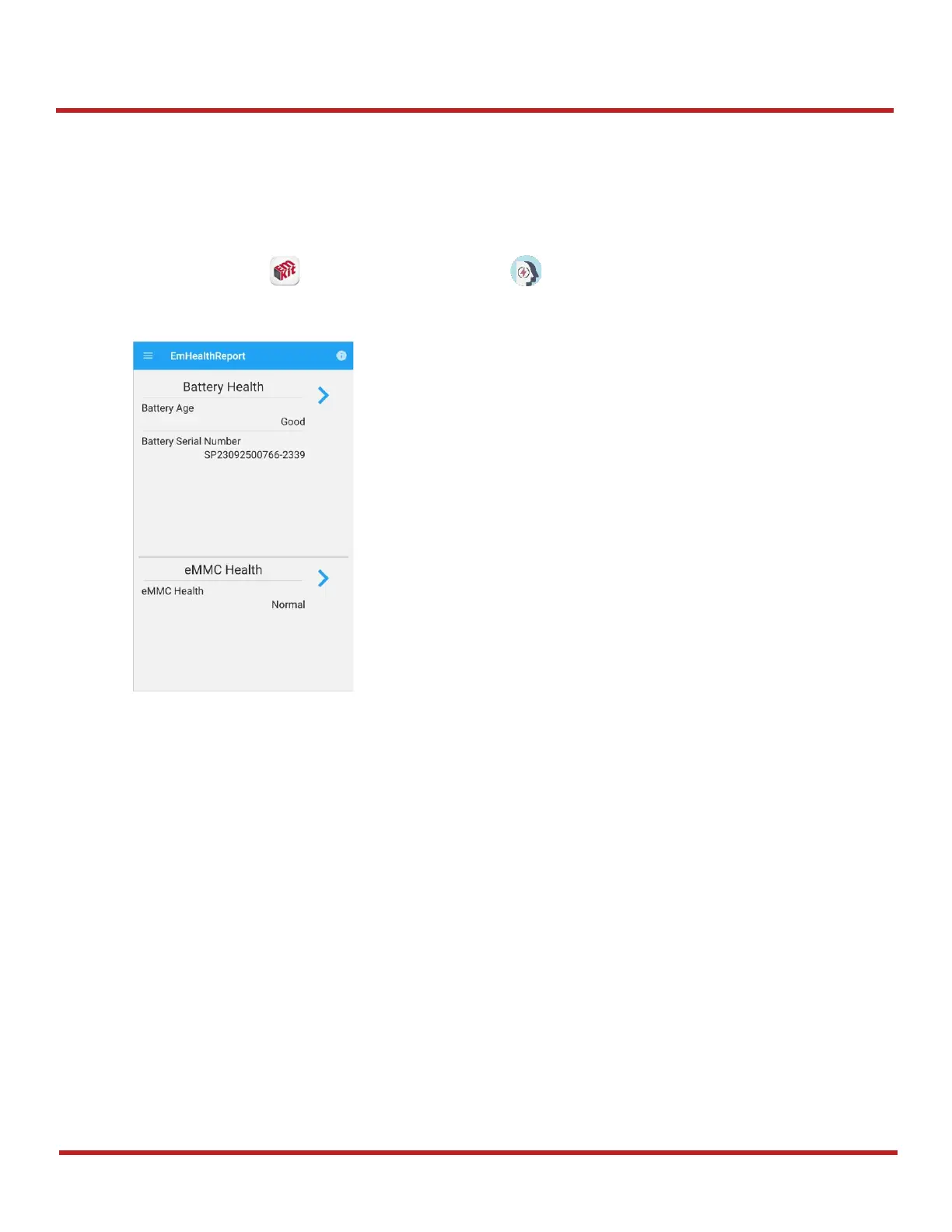
To use, open
EmKit
and launch
EmHealthReport
. You can see the simple device health information
on the main screen. To find detailed information, tap each blue arrow on the right side of the screen.

Battery Health
- Battery Level
- Battery Age
- Battery Voltage
- Battery Temperature
- System Temperature
- Battery Manufacture Date
- Battery Serial Number
- Smart Charging Mode
- Battery First Use Date
eMMC Health
- Pre-EOL Information
- Device life time estimation type A
- Device life time estimation type B
Figure 95 EmHealthReport

Other manuals for Point Mobile PM95

Related product manuals