PM95 Android 13 User Manual
65
© 2024 Point Mobile Co., Ltd. All rights reserved
Wireless
Mobile Network
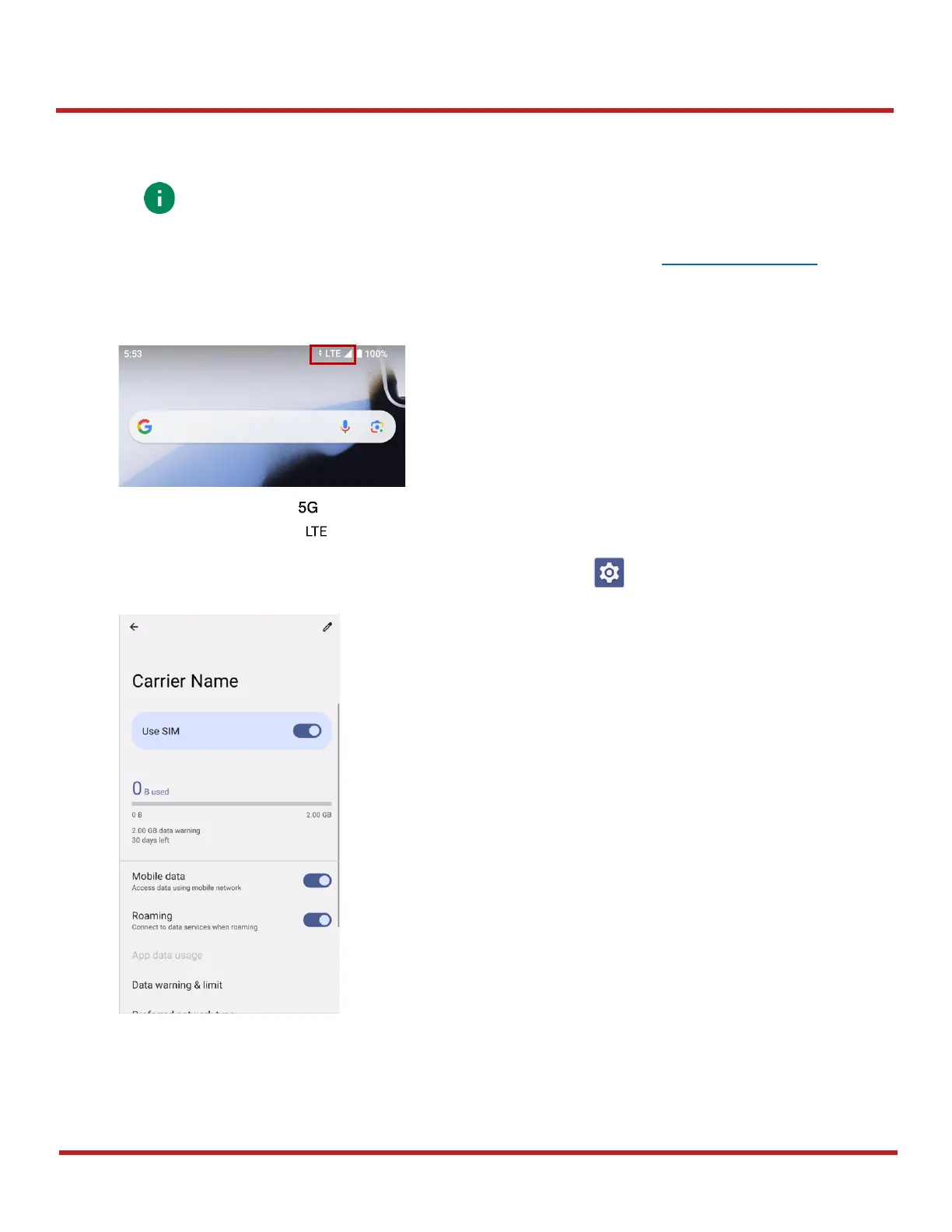
To connect mobile network, SIM card is required. Insert SIM card first referring Install SD & SIM cards
After inserting the SIM card, reboot the device. When network is connected, a network icon will be appeared on
the status bar.
5G network icon:
LTE network icon:
Find network information and adjust the network settings in
Settings
>
Network & internet
>
SIMs
.
Note: Mobile network is supported on PM95 WWAN SKU (SKU 2 ~ 5) only.
Check if your device is WWAN SKU.



 To Next Page