43
INSTALLATION OF ACCESSORIES
Installation of Battery Pack
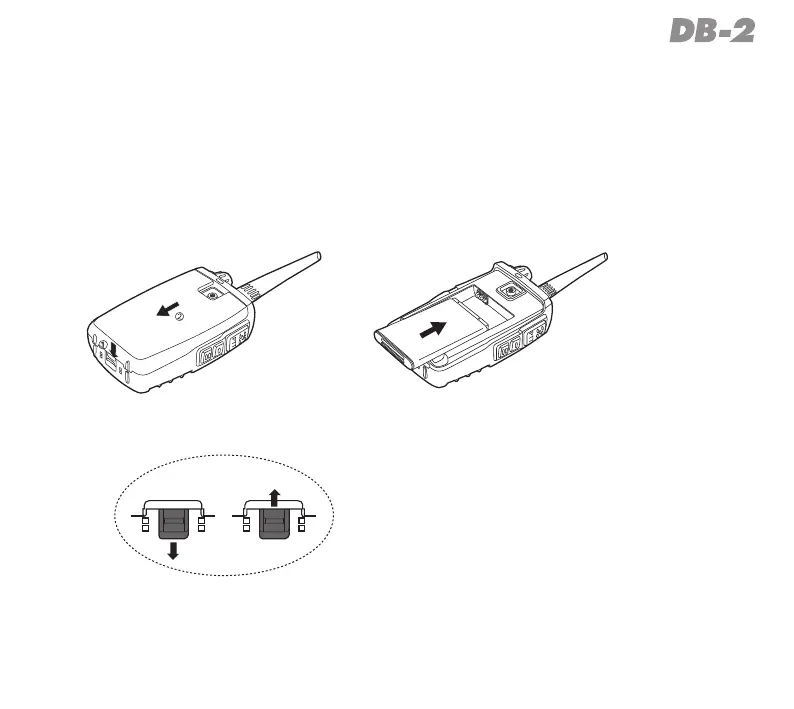
1. Slidethebatterycoverlatchtounlockpositionindirectionofthearrowhead
(pict.1),thenslidethebatterycovertowardthebottomtoremoveitoutin
directionofarrowhead(pict.2).
2. Installthesuppliedbatterypackintobatterycompartmentcorrectly(pict.2).
Picture2Picture1
Locked
Unlocked



 To Next Page