EasyManua.ls Logo

Poly Voyager 5200 - User Manual

Poly Voyager 5200
27 pages
Print Icon
To Next Page IconTo Next Page
Loading...
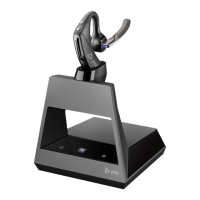
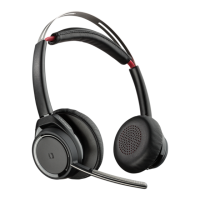
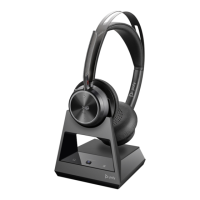
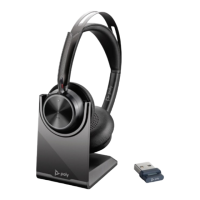
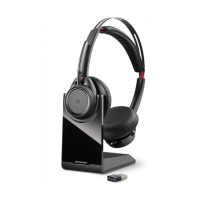
Voyager 5200 Office Bluetooth headset
system for computer and desk phone
User Guide

Other manuals for Poly Voyager 5200

Question and Answer IconNeed help?

Do you have a question about the Poly Voyager 5200 and is the answer not in the manual?

Poly Voyager 5200 Specifications

General IconGeneral
BrandPoly
ModelVoyager 5200
CategoryHeadsets
LanguageEnglish

Summary

Hook up system

Desk phone setup details

Instructions for connecting the headset system to a desk phone.

Position Your Base

Overview

Be safe

Important safety and regulatory information for new device users.

Pair

Pair headset to base

Steps to pair the headset with its base unit.

Pair to mobile device

Instructions for pairing the headset with a mobile phone via Bluetooth.

Pair mode

Charge

Load software

Update firmware

Steps to update the headset's firmware for improved performance.

Basics

Make a call (computer or desk phone)

Launch Microsoft Teams (Teams model only)

Use sensors

More Features

Troubleshooting

Headset - No Dial Tone

Resolutions for when no dial tone is heard in the headset.

Headset - Static

Troubleshooting steps for static interference with the headset.

Headset - Sound Distortion

Solutions for distorted audio in the headset.

Headset - Echo

How to resolve echo issues in headset calls.

Desk phone

Desk phone - Handset Lifter

Resolving issues with the handset lifter not operating correctly.

Softphone

Related product manuals