22
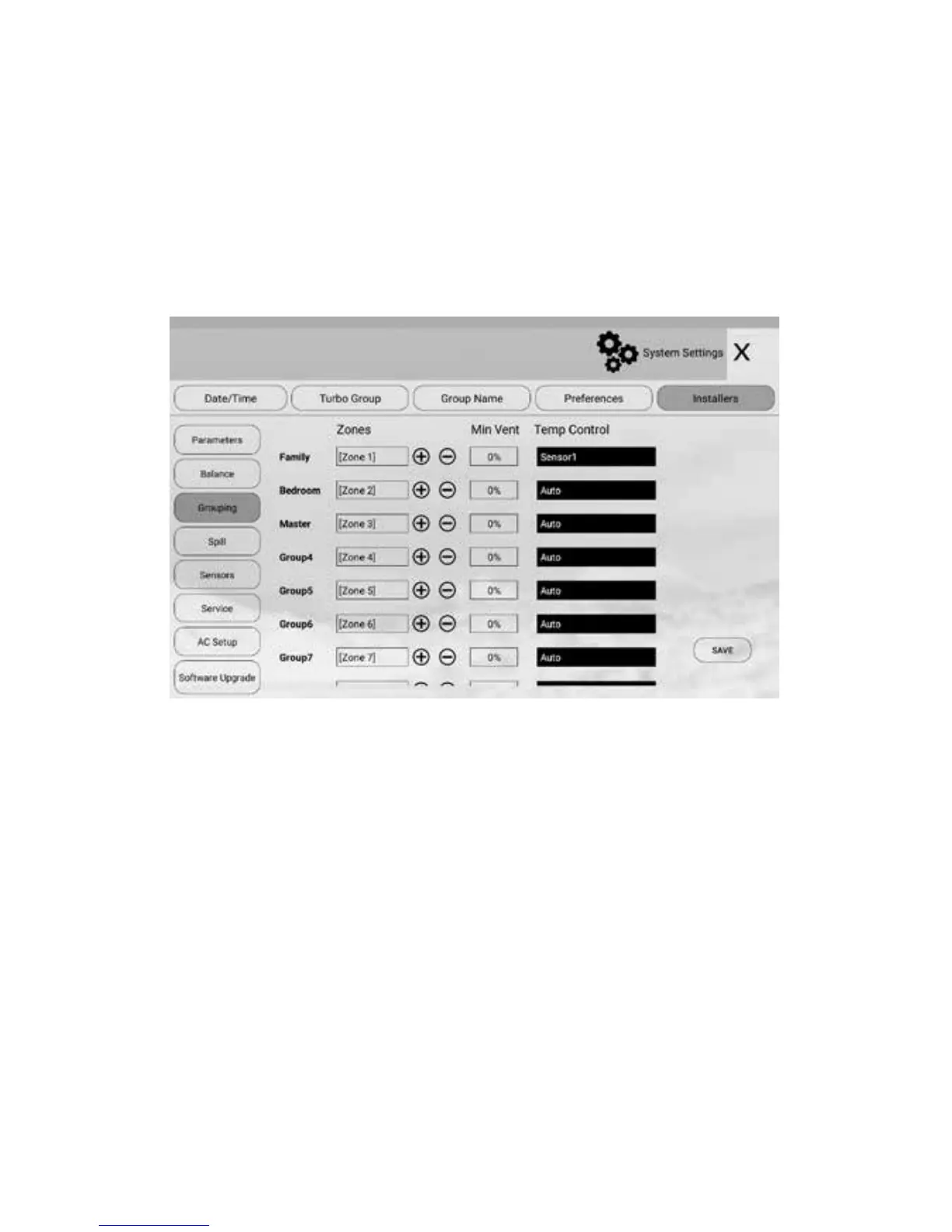
For ease of control operation, multiple zones can be grouped together.
The grouped zones are treated as one group with its own name and turned on
or o together. Individual balanced damper position is not aected by grouping,
which means zone balancing can be conducted before or after grouping.
Grouping can be carried out as follows:
a) In ‘Installers’ screen, touch Grouping to enter ‘Grouping’ screen.
5.4 Grouping Zones
b) Touch the edit eld of the group
c) and then touch + or - button to add or minus zones to the group
d) Repeat steps b) and c) to dene all groups
e) Press Save button to save the setting.
Grouping Zones



 To Next Page