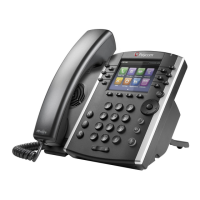
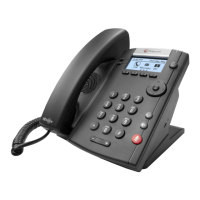
Checking Your Voicemail on a Polycom VVX400
btx cloud services are simple and easy to use
Here is a quick reference guide to checking your voicemail on ours services using a Polycom VVX400 phone.
When you have a new voicemail message, the messages icon displays on your line. as seen below
To listen to your voice mails you have 2 choices:
Press the Envelope Button or chose the Messages Icon from the home screen
To access the Messages Screen using the icon
1. Hit the Home button and select the Messages icon
2. Then select Message Center>Connect
3. Then Follow the prompts
To access the Messages from the Envelope Button


 To Next Page