Preparing the ēno whiteboard for use
10 Installation and Operation Guide
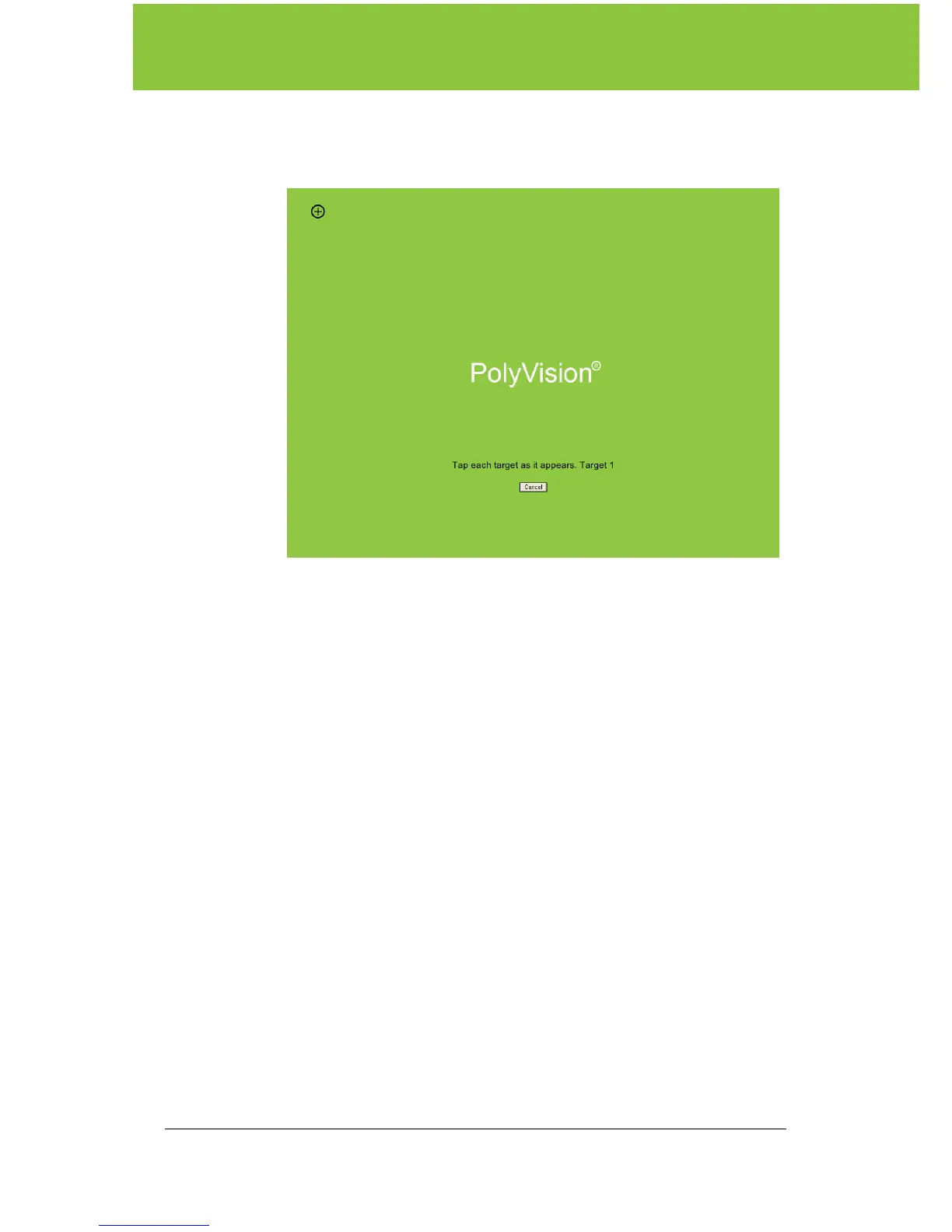
The alignment window shown below projects from the computer to
the whiteboard.
3. Using the ēno stylus, touch exactly on each target projected on the
whiteboard, following instructions you see on the board. When
alignment is complete, you are ready to begin using your computer
and whiteboard in projection mode.
To exit projection mode when you are finished operating your computer
from the board:
• Tap the Projection icon on the control strip again.



 To Next Page