Overview
PolyVision 3
Overview
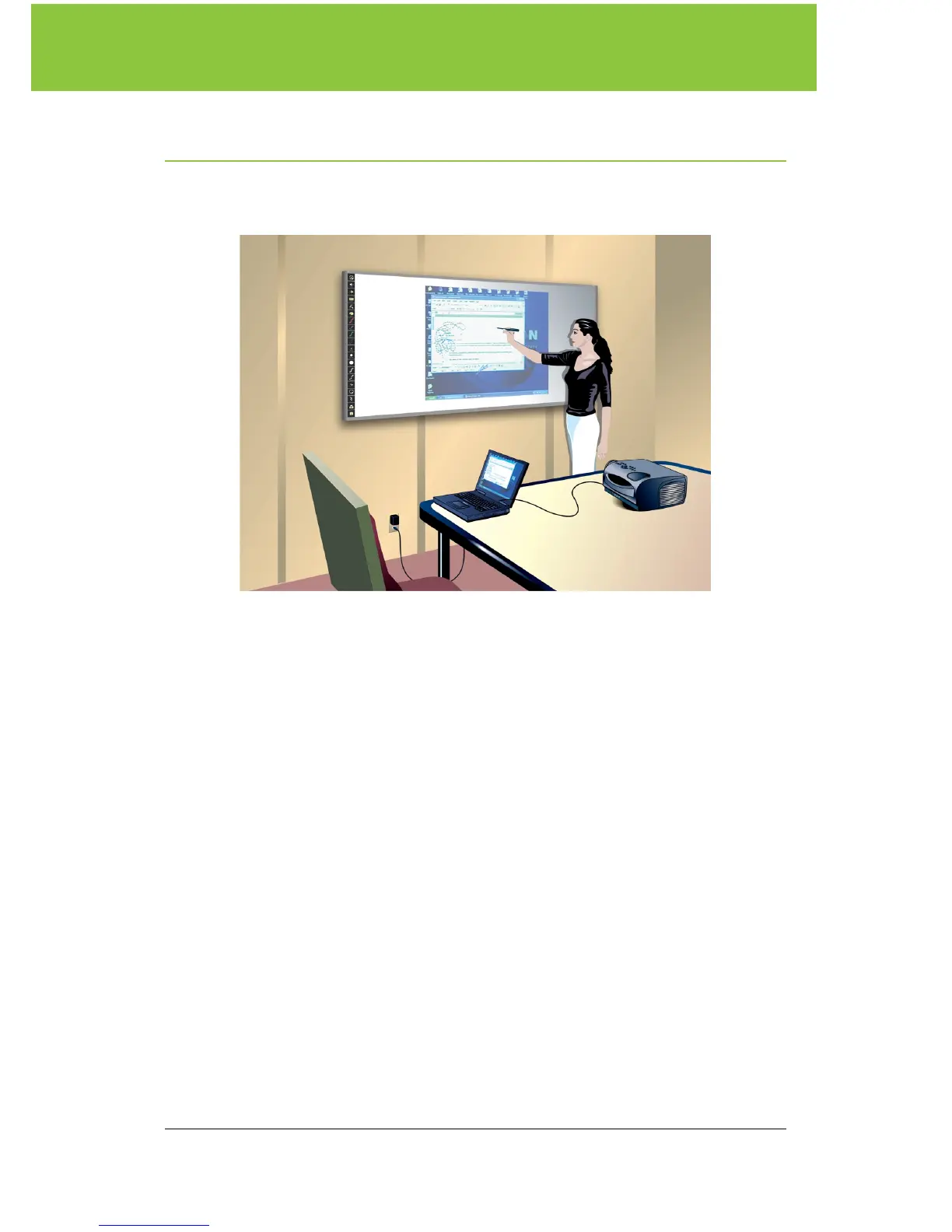
Congratulations on your purchase of a PolyVision
®
ēno™ interactive
whiteboard.
This manual describes how to install and use the ēno interactive
whiteboard. For more information about the PolyVision driver that you
install on your computer, refer to the
PolyVision Driver User Guide
which is
installed along with the PolyVsion driver.
To view the user guide in Windows:
• Click “Start” in the lower left corner of your desktop, choose
“Programs,” then “PolyVision,” and then “PolyVision Driver User Guide.”
To view the user guide on a Macintosh:
• Navigate to the “Applications” folder on your start-up disk, and double-
click “PolyVision Driver User Guide” in the PolyVision folder.



 To Next Page