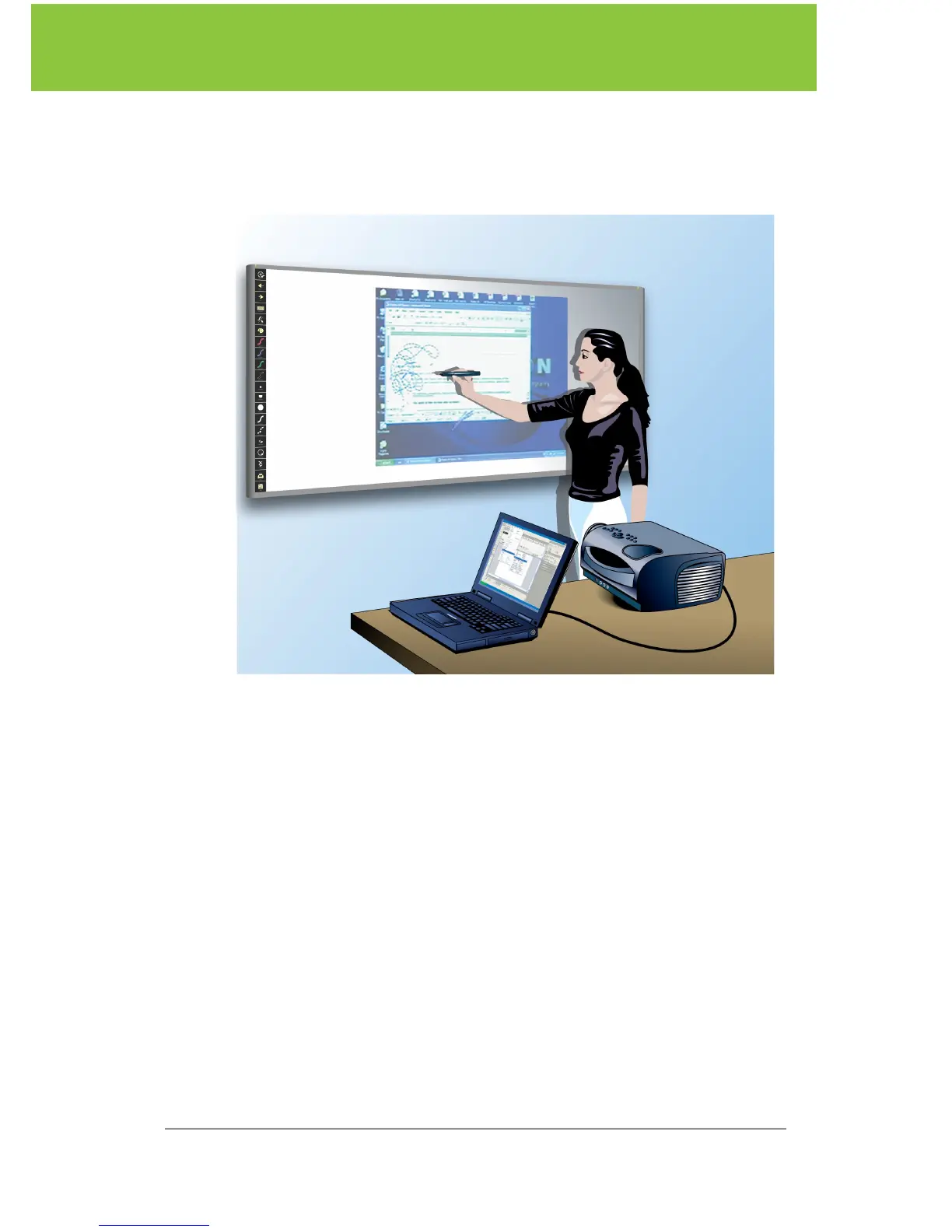
Preparing the ēno whiteboard for use
PolyVision 9
Getting started with your projector
Getting started is simply a matter of connecting your projector to your
computer using the video cable that is provided with your projector.
To set up the projector:
1. Locate your projector’s video cable and connect it to the video port
of your computer.
2. Connect the other end of the video cable to your projector.
3. Connect the projector’s power cord to an outlet.
4. Turn on the projector and focus your computer screen squarely
onto your whiteboard. The projected image does not need to fill the
white area.
To align the projected image with the ēno whiteboard:
1. Assure that at least half of the projected image is actually projected
onto the board.
2. Tap the Projection icon on the control strip one time.



 To Next Page