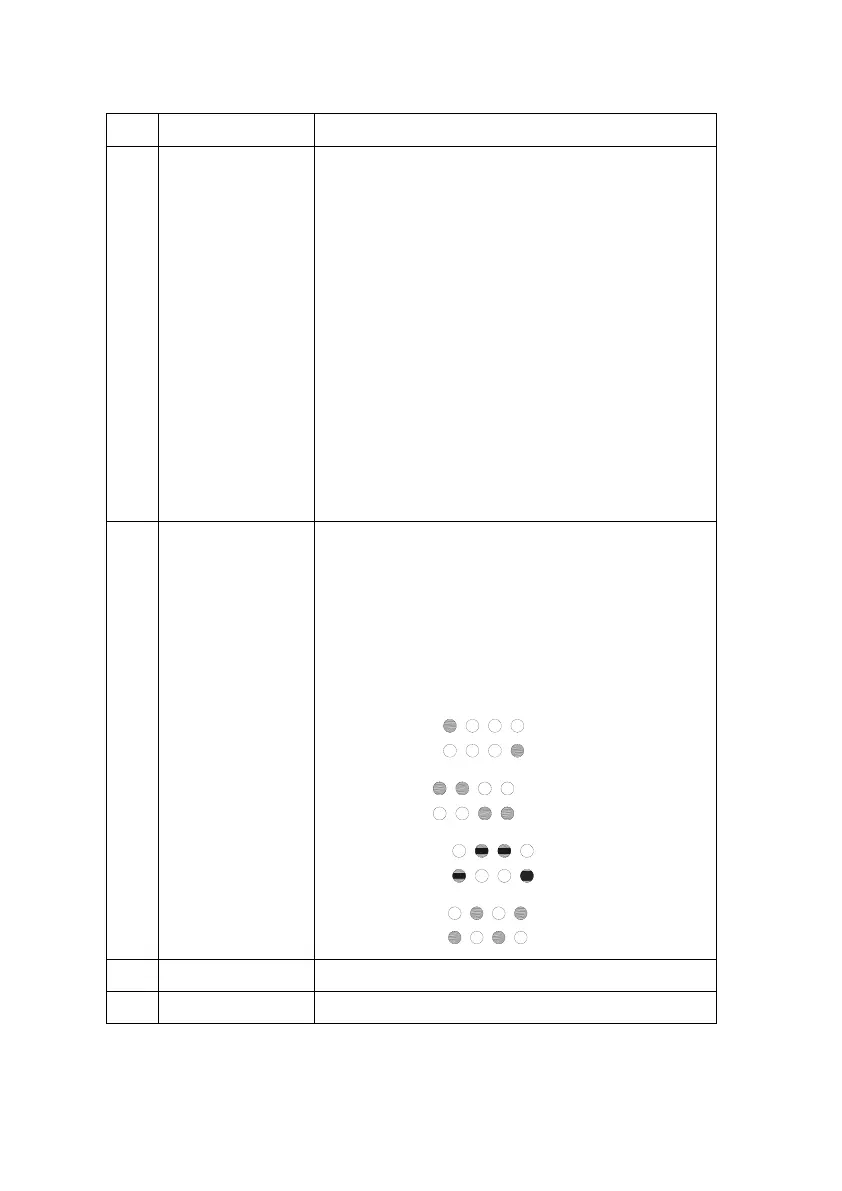
Indicate the device status and the network
status:
Solid red: System startup in progress.
Blinking red: Ready for network connection.
Blinking green: Wi-Fi network and password
detected; connecting to router. If it blinks for
over 3 minutes, either the network or the
password might be incorrect.
Solid white: Connecting to the Internet or
troubles in Internet connection while the router
connection works properly.
Solid green: Internet connected successfully.
Indicate real-time battery capacity: Each light
represent 25% capacity. The lights blink in
sequence under system charging and
discharging.
Blinking indicate the communication timeout as
below:
EMS module:
PCS module:
Solar controller:
BCMS module:



 To Next Page