G-2108/G-3106 User’s Manual Chapter 2: Setup and Use
22
Peel-off Mode:
To load media into the G-2108/G-3106 while using Peel-off Mode, use the Standard Mode procedures.
Cutting Mode
Note: Operating the printer in Cutting mode requires the optional Cutter. See an authorized Postek Reseller for
additional information for cutter module.
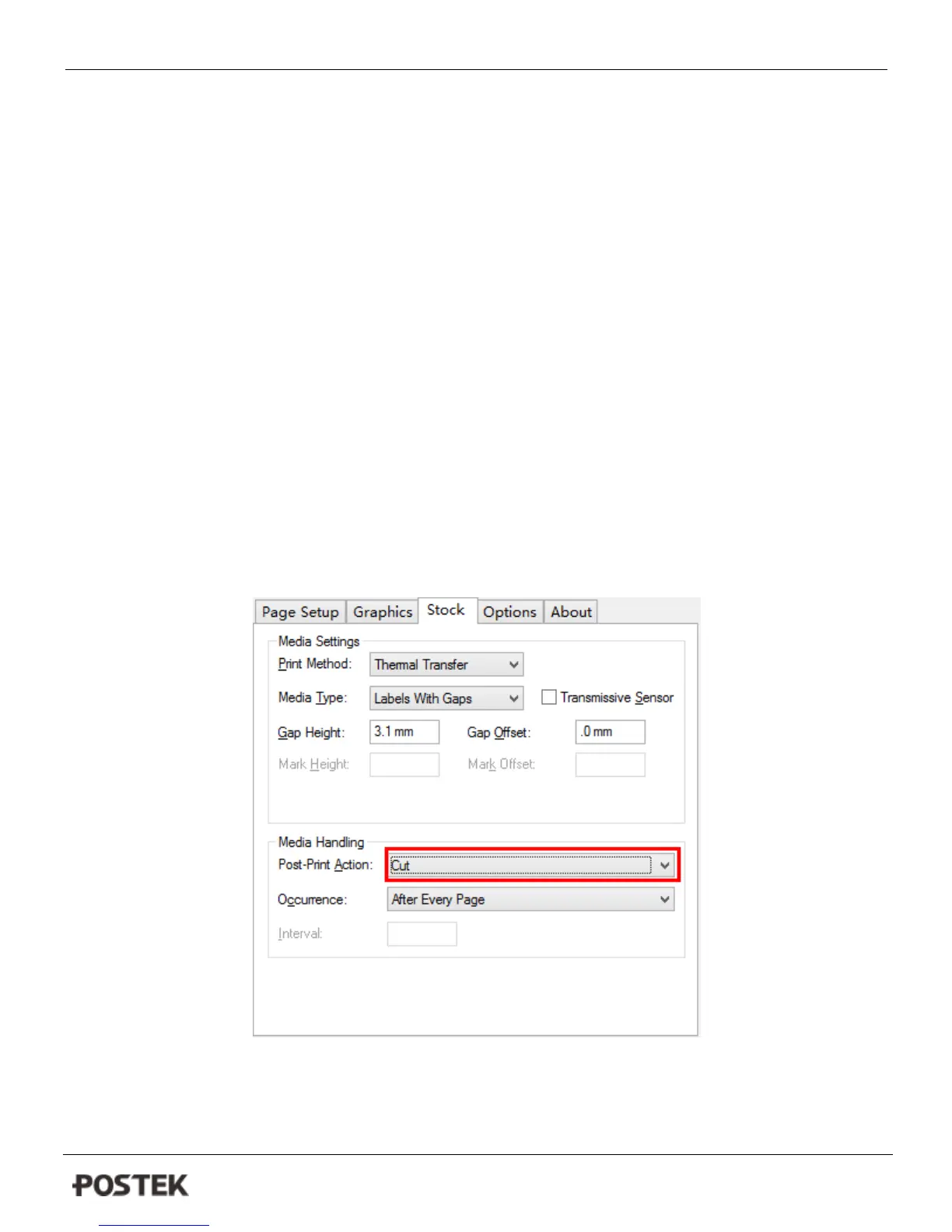
1. Enable the cutter function in the printer’s driver (see Figure 6-5).
2. Turn on the printer and set it on ready status.
3. Reset the printer: press and hold the Cancel/Reset button for 4 seconds, the three LED indicators will blink
simultaneously; release and press the Cancel/Reset button again, the three indicators stop blinking and remain
lit.
4. Load media as shown in Figure 6-6. The Cutter is now ready to use.
Figure 6-5



 To Next Page