G-2108/G-3106 User’s Manual Chapter 3: Operations and Settings
29
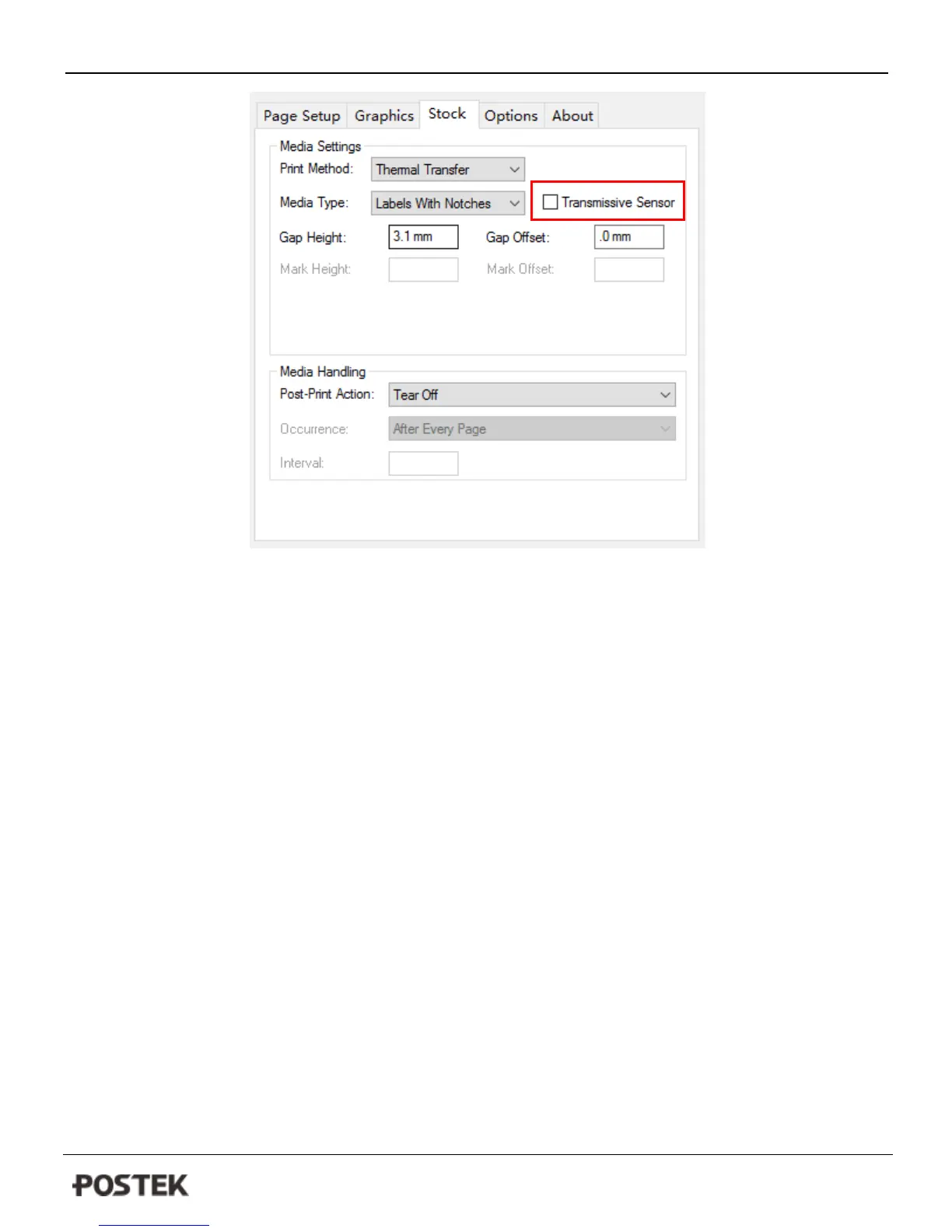
Figure 8-2
Self Test
1. Press and hold the Pause/Self Test button for about 4 seconds.
2. The printer will print out a configuration report and the 3 indicators will stop blinking and remain lit. The printer is
back to a normal state.
The following information will be printed on the self-test report:
- Font list
- Hardware configuration and status
- Printer status settings
- Label parameters
- Firmware version



 To Next Page