26
5. Create and edit label template in the label editing software, and click at “Print” to send the print
task to the printer. After each finished printing, the printer will automatically cut off the printed
label(s).
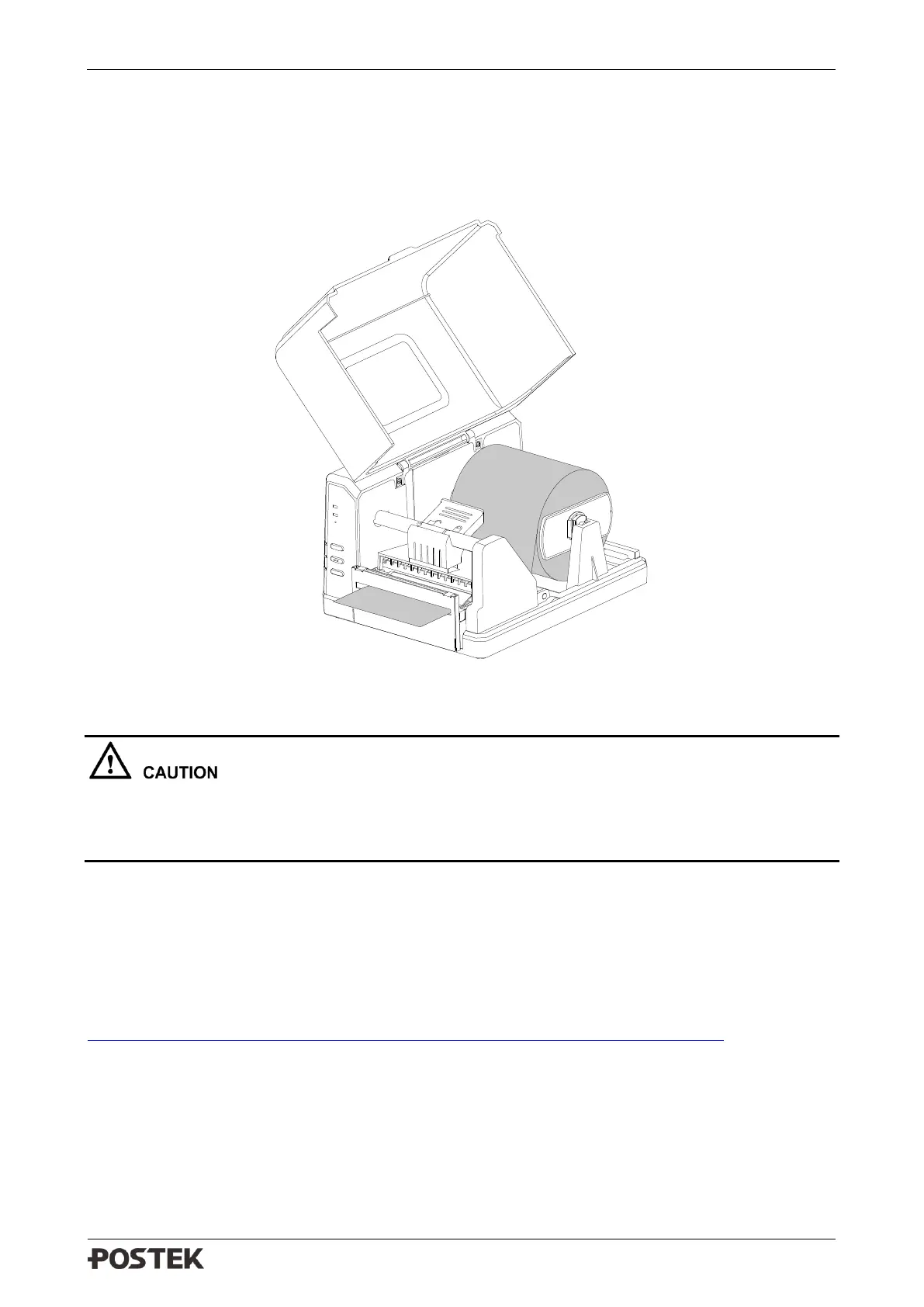
6. The cutting position and cutting frequency can be adjusted in Utility tool under Cutter Mode.
See Figure 3-3.
Figure 3-3 Cutter Mode
The default cutter type is rotary cutter. If guillotine cutter is installed, please send the
command: #UM>CU2 in Utility tool to the printer, and restart the printer after 3 seconds. Then
send the command #UM>CC to set guillotine cutter as default, and restart the printer again.
3.2 WIFI Settings
Please refer to Wi-Fi Configuration Guide to set up the Wi-Fi settings. Please download the Wi-Fi
Configuration Guide from this link:
http://downloads.postekchina.com/TECH/Wi-Fi_Configuration_Guide_POSTEK.pdf



 To Next Page