12
2.3 Using the External Media Stand
It is recommended to install the External Media Stand when the outer diameter of the media roll is
larger than 4 inches or when fanfold media is applied.
Label Roll
To load label roll on External Media Stand, follow the steps below:
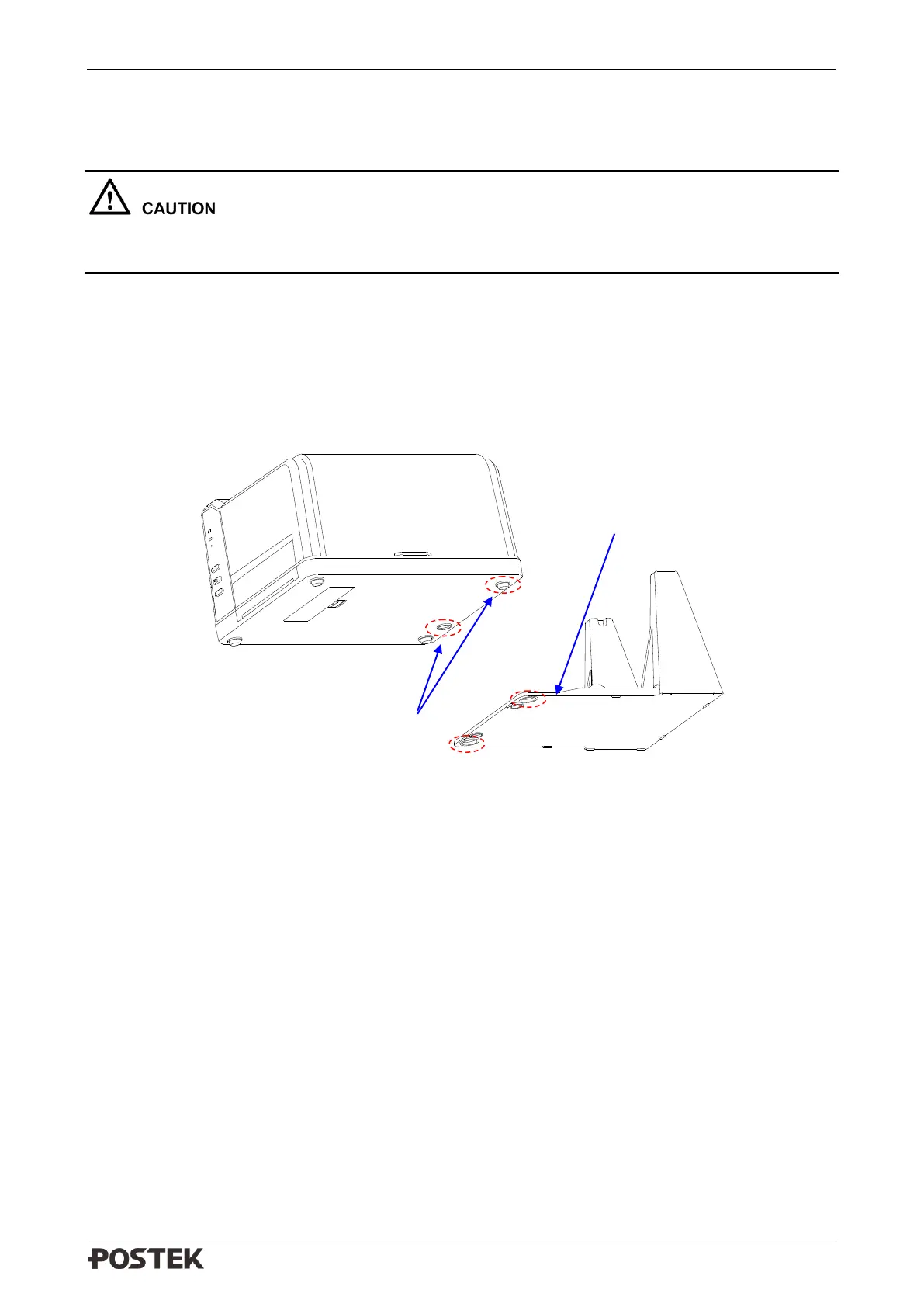
1. Place the front part of the External Media Stand under the printer, making sure the two rear
rubber feet of the printer are fitted into the two holes on the media stand, see Figure 2-8.
Figure 2-8 Place the External Media Stand
2. Lift the right cover of the printer and lift the Handle of the Printhead. See Figure 2-9.



 To Next Page